No current price: no retailer we track lists it right now.
22 facts in comparison
NETGEAR GS108EPP vs Ubiquiti USW Pro Max 24 PoE
These two are not really rivals; they are answers to different-sized problems, and the comparison is useful mainly for working out which problem you have.
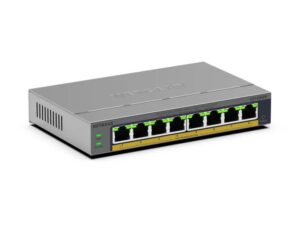
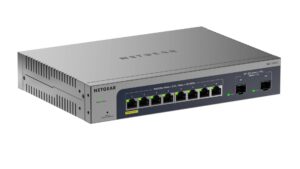
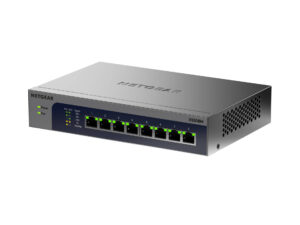
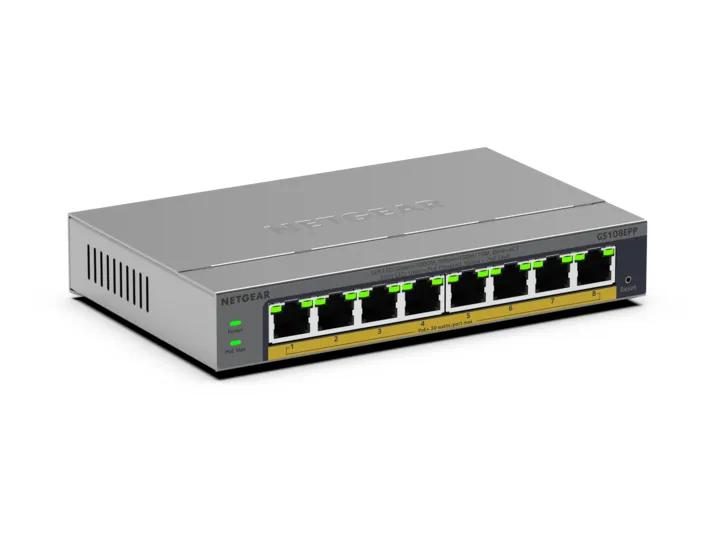
The Netgear is a silent eight-port PoE+ switch for a hallway shelf: 123 watts of power for cameras, phones and a couple of access points, gigabit throughout, and a browser interface for VLANs and link aggregation. It draws modest power, has no fans, and asks nothing of its owner after setup.
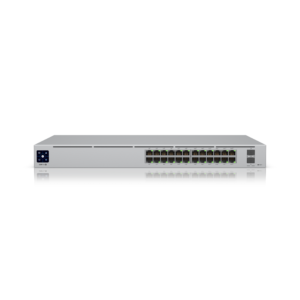
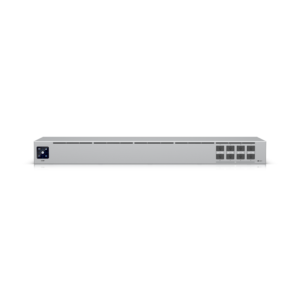
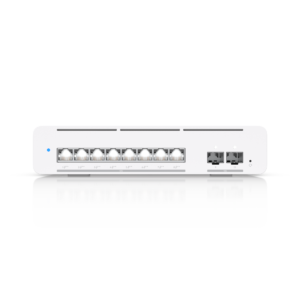
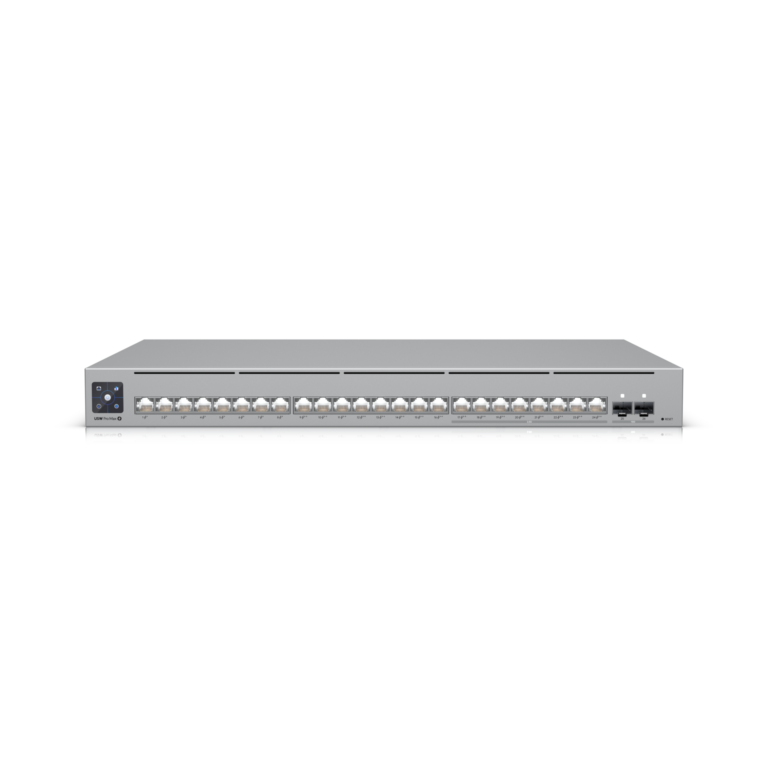
The Ubiquiti is a 26-port rack switch with sixteen gigabit ports, eight 2.5 Gigabit ports, two SFP+ uplinks, 400 watts of PoE++ and a fully managed feature set driven through UniFi's controller. It has fans, it draws several times the Netgear's power, and it assumes a network with other UniFi gear and someone who will run the software.
Reading the table as a ranking is therefore a mistake. Every row favours the Ubiquiti because every row measures capacity, and capacity is what the Ubiquiti is for. The rows do not measure noise, rack space, the cost of the controller, or the fact that most small offices will never fill eight ports, let alone twenty-four.
The Netgear's genuine weakness is the ceiling: no multi-gig, no SFP, a small PoE budget, and a management tier that stops at the basics. The Ubiquiti's genuine weakness is that it makes no sense outside a UniFi deployment with a rack, a controller and enough devices to justify it.
Buy the Netgear for a home or a small office that needs powered ports and simple segmentation. Buy the Ubiquiti for a building, a campus network, or a UniFi installation that has outgrown its desktop switches. Buying either for the other job wastes money in opposite directions.
Editor’s note
The GS108EPP is better than its modest spec line suggests, mostly because of details the table has no row for. PoE stays up through firmware updates and soft reboots, so cameras keep recording while the switch is maintained, and the Easy Smart tier covers the segmentation a small site actually uses: tagged VLANs, QoS, IGMP snooping, port mirroring and cable diagnostics. What it quietly caps is the future. Every port is plain gigabit, which strands the multi-gig uplink on a modern access point, and nothing about it is built for a rack.
The USW Pro Max 24 PoE is excellent inside the ecosystem it was designed for and odd outside it. Etherlighting, which colours each port by network, sounds like a gimmick until someone has to trace a patch cable in a crowded cabinet. The catch is the lack of a standalone web interface: without a UniFi controller it is an expensive unmanaged switch, and it offers no dynamic routing for anyone expecting OSPF or BGP. It is fan-cooled with no published noise figure, so it belongs behind a closed door.
A network that does not run UniFi has no business buying the Ubiquiti, whatever its port map promises.
Head-to-head points: every spec is scaled between these products only, so a product can score high here and modestly on its own page, where the VS Score measures it against the median of its class.
Where the NETGEAR GS108EPP beats the Ubiquiti USW Pro Max 24 PoE
- Has fanless ?
- A much lower power consumption ?5.9 W vs 50 W
Where the Ubiquiti USW Pro Max 24 PoE beats the NETGEAR GS108EPP
- More total ports ?26 vs 8
- More gigabit ports ?16 vs 8
- More 2.5G ports ?8 vs 0
- More SFP/SFP+ ports ?2 vs 0
- More PoE ports ?24 vs 8
- PoE++ (802.3bt) PoE standard ?PoE++ (802.3bt) vs PoE+ (802.3at)
- A much higher PoE budget ?400 W vs 123 W
- A much higher switching capacity ?112 Gbps vs 16 Gbps
- A much higher MAC address table ?16 K vs 4 K
Key real-world differences
The spec sheet pulls in both directions. These are the gaps big enough to shape the decision — with the actual figures, and what each one means in real-world use.
- Total portsPorts8 vs 26 — 3.3× more for the Ubiquiti USW Pro Max 24 PoE
The total number of Ethernet ports.
- Switching capacityPerformance16 Gbps vs 112 Gbps — 7× more for the Ubiquiti USW Pro Max 24 PoE
The total internal bandwidth; enough capacity keeps every port at full speed.
- 2.5G portsPorts0 vs 8 — 8 more for the Ubiquiti USW Pro Max 24 PoE
Multi-gig ports at 2.5 Gbps for fast NAS or Wi-Fi 6/7 access points.
- PoE budgetPower over Ethernet123 W vs 400 W — 3.3× more for the Ubiquiti USW Pro Max 24 PoE
The total power available across all PoE ports.
- PoE portsPower over Ethernet8 vs 24 — 3× more for the Ubiquiti USW Pro Max 24 PoE
Ports that can power cameras, access points or phones over the cable.
Which one should you buy?
There is no single answer — it depends on what you will actually use it for. Match your priority to the pick below.
- Best for ports Ubiquiti USW Pro Max 24 PoE takes the category 100 to 14 — driven by total ports (8 vs 26).
- Best for management Ubiquiti USW Pro Max 24 PoE takes the category 100 to 60 — driven by management level (Smart managed vs Fully managed).
- Best for Power over Ethernet Ubiquiti USW Pro Max 24 PoE takes the category 100 to 0 — driven by PoE budget (123 W vs 400 W).
- Best for performance Ubiquiti USW Pro Max 24 PoE takes the category 100 to 14 — driven by switching capacity (16 Gbps vs 112 Gbps).
- Best for design & power NETGEAR GS108EPP takes the category 83 to 33 — driven by fanless (Yes vs No).
- The safe all-rounder Ubiquiti USW Pro Max 24 PoE wins 4 of 5 categories and tops the overall VS Score at 93.
Where each one falls short
NETGEAR GS108EPP
- Total ports: 8 vs 26
- Switching capacity: 16 Gbps vs 112 Gbps
- 2.5G ports: 0 vs 8
- 1 spec is unreported (shown as Unknown) and excluded from its scores.
Ubiquiti USW Pro Max 24 PoE
- Fanless: Yes vs No
- Power consumption: 5.9 W vs 50 W
What matters to you?
Drag the sliders to weight each category and re-rank the products to suit your priorities.
Score breakdown
Ports
Power over Ethernet
Performance
Management
Design & power
Specs last verified October 11, 2026NETGEAR GS108EPP: 21 of 22 specs verified (95%)Ubiquiti USW Pro Max 24 PoE: 22 of 22 specs verified (100%)Unverified specs show as Unknown — never estimated, never scored
What reviewers say
The bottom line
This is a sizing exercise, and the useful question is how much PoE the switch will have to supply over its life. List the devices that draw power from it, add the access points still to be bought, and check what each of them asks for. A handful of cameras, phones and one or two current access points fit comfortably within the Netgear, which will then sit silently in a cupboard for years.
Once the list includes several Wi-Fi 7 access points, PTZ cameras or anything that wants PoE++, the Netgear is the wrong tool, and the Ubiquiti's budget and multi-gig ports become the point - provided the site already runs UniFi and has somewhere to hide a fan.
Silence and simplicity against capacity and ecosystem commitment: that is the trade, and most homes sit on the first side of it.