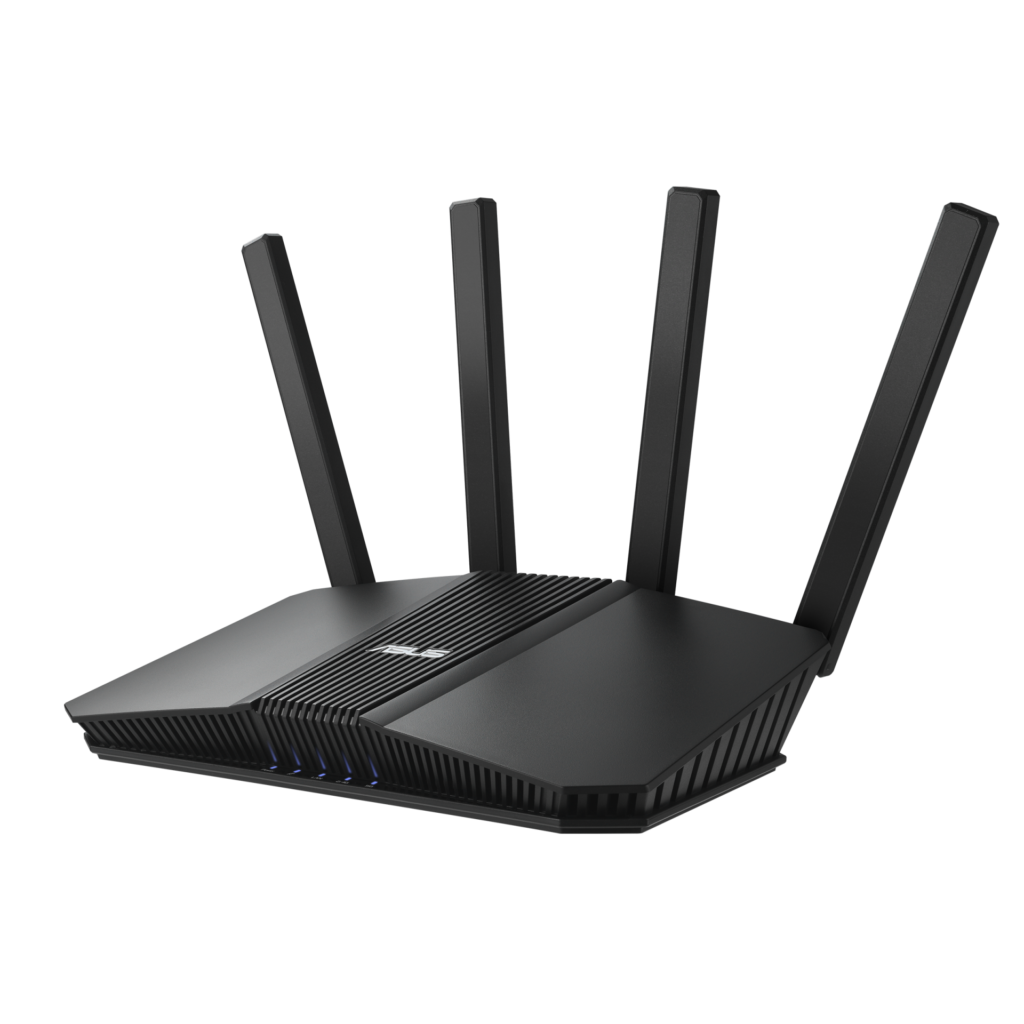
Update your ASUS router to the latest firmware for its exact model, and turn off remote file sharing you don’t use. ASUS’s November 10 advisory covers four flaws in a remote file access feature. Three require an attacker on an adjacent network, and one requires physical access to the router’s USB port.
Which firmware branches are affected?
ASUS lists the 3.0.0.4_386, 3.0.0.4_388 and 3.0.0.6_102 series. These are firmware branches, not a complete list of individual vulnerable or fixed builds. The notice says a security update is available but does not identify a fixed build for each model.
Check the support page for your router’s exact model and hardware revision. Similar wording in an older release note does not establish that the build fixes these four CVEs. The earlier AiCloud advisory is a separate notice and should not be used as a substitute for this check.
What the four flaws can do
The ASUS-assigned CVE records describe the access each attack needs. Their severity scores are CVSS 4.0 ratings, not a prediction that a particular home will be attacked.
- CVE-2026-88710, High (8.7): an unauthenticated nearby attacker can chain identifier guessing, credential overwriting and command injection to run commands with root privileges.
- CVE-2026-88707, High (7.1): a nearby attacker can send an oversized HTTP request that may overwrite memory or crash the router.
- CVE-2026-88709, High (7.0): someone with physical access can insert USB storage containing a specially crafted directory name and potentially run commands with root privileges.
- CVE-2026-88708, Medium (5.3): a nearby attacker can send a malformed packet that may crash the affected service.
The three network records use an adjacent-network attack vector. They should not be described as attacks that anyone on the internet can launch without those access conditions.
Reduce exposure while checking the update
ASUS recommends installing the latest firmware immediately. If you cannot update yet, disable unused remote file access, cloud storage and WAN remote access. Delete sharing links you no longer need, avoid long-lived links for sensitive files and keep unknown devices off your local network.
Do not plug untrusted USB storage into the router. Use strong, unique administration and Wi-Fi passwords. Turning off unused services reduces exposure, but it does not prove that the firmware is patched.
Keep the exact model and build together
Record your model and installed firmware before checking the download page. If the available notes do not resolve which build contains this fix, ask ASUS support about the model and these CVE numbers instead of assuming that a matching release-note phrase confirms protection.