No current price: no retailer we track lists it right now.
28 facts in comparison
TP-Link Archer BE900 vs Ubiquiti UDR7
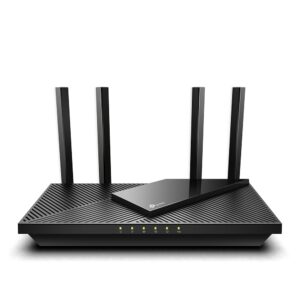
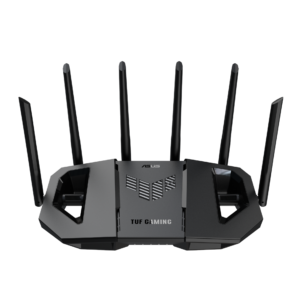
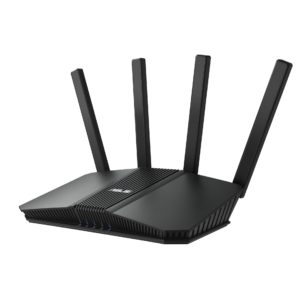
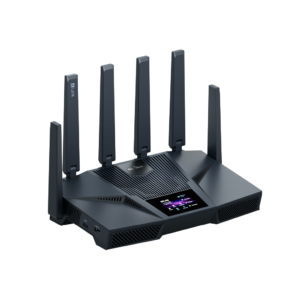
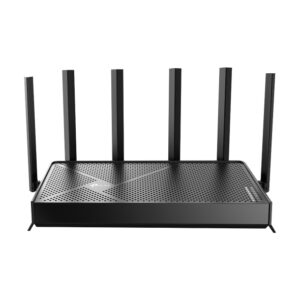
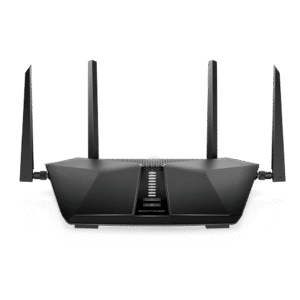
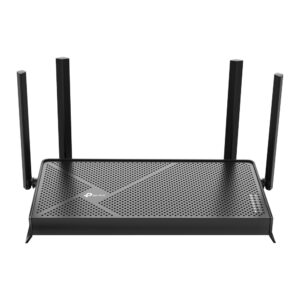
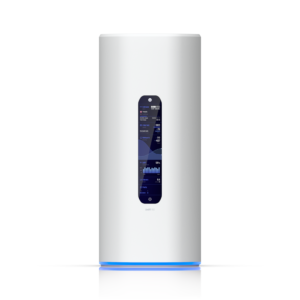
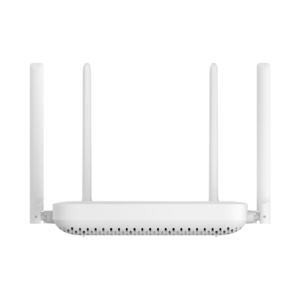
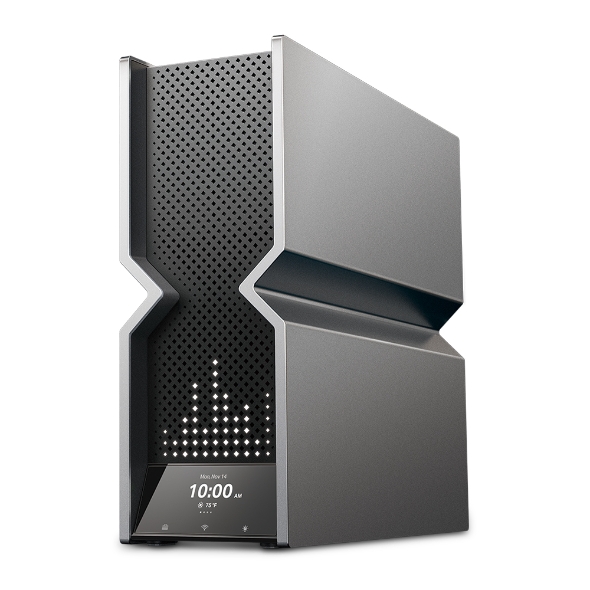
A consumer flagship against a prosumer one, which makes this a comparison about philosophy as much as hardware. TP-Link's answer to the question "what should a top router be" is radios and ports: four bands, a wireless class over twice the Ubiquiti's, twelve antennas, five LAN ports and two USB ports. Ubiquiti's answer is software: a tri-band Wi-Fi 7 radio that is fast enough, three ports, no USB, and the whole UniFi network operating system running on the router itself.
The Archer BE900 is the better piece of radio hardware by every row in the table, and for a large house with many Wi-Fi 7 clients and a multi-gig plan those rows are real. Its firmware is consumer firmware: capable, app-driven, with the deeper security features on a HomeShield subscription, and with EasyMesh as the path to more coverage.
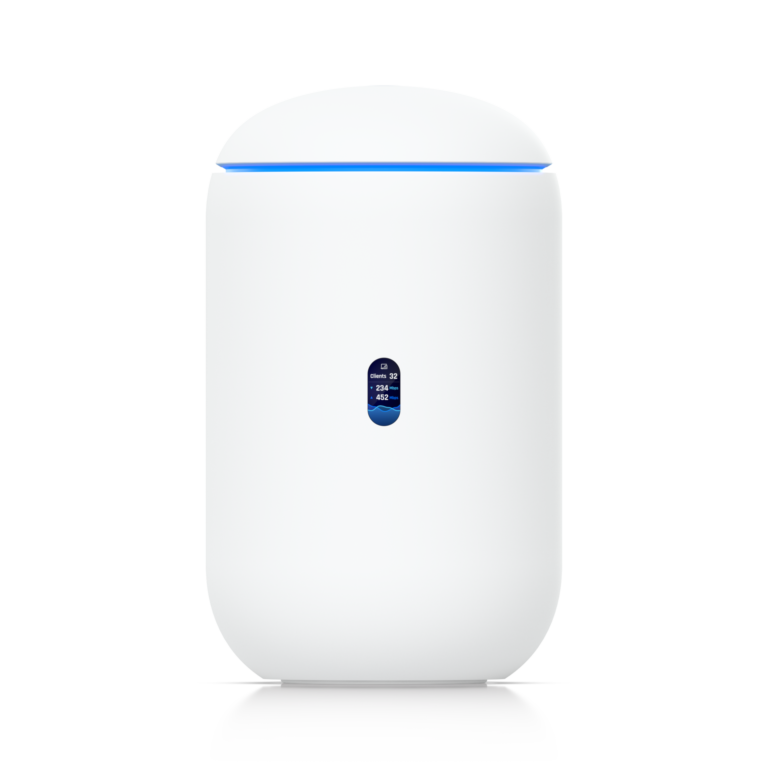
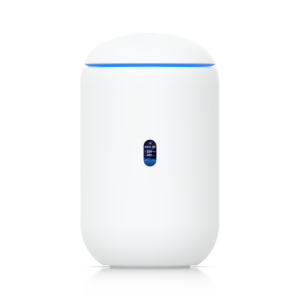
The UDR7 is a UniFi gateway first and an access point second. It runs the controller, so UniFi access points, switches and cameras can be added to it and managed from one dashboard, with VLANs, traffic rules, a built-in VPN and intrusion detection that consumer routers do not offer. It is rated for more simultaneous devices despite the smaller radio, and its coverage is meant to be extended with proper access points rather than by shouting louder.
The weaknesses are mirror images. The Archer is a dead end for anyone who later wants a managed network; the UDR7 is overkill and under-antennaed for someone who wants one box to cover a big house and never open a settings page.
Buy the BE900 for maximum single-box Wi-Fi. Buy the UDR7 as the first piece of a network you intend to grow.
Editor’s note
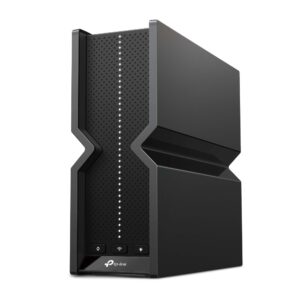
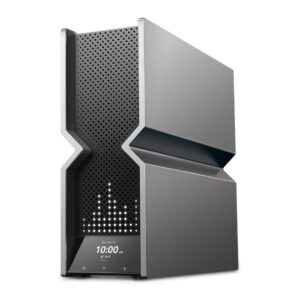
The BE900's real strength is on the back panel rather than in the antennas. A fibre-ready port beside a fast copper twin is still rare in consumer routers, and with link aggregation on the LAN side it can feed a NAS or a home lab properly. What it compromises is everything around that silicon: a large desk-bound tower with no published wall-mount option, and a front touchscreen that shows the time and the weather and solves nothing.
The UDR7 reverses the subscription picture. Intrusion prevention, content filtering, ad blocking and a WireGuard server come included, and the box doubles as a recorder for UniFi cameras. Its compromise is that it is only a beginning. The LAN ports fill up quickly, so a switch is close to inevitable, and its two-stream radios will not keep pace with the TP-Link for a single fast client in a distant room.
Someone who wants one tower in the living room and never a second device should not be looking at the Ubiquiti. Someone who resents renting features should look hard at what the TP-Link withholds.
Head-to-head points: every spec is scaled between these products only, so a product can score high here and modestly on its own page, where the VS Score measures it against the median of its class.
Where the TP-Link Archer BE900 beats the Ubiquiti UDR7
- A much higher max wireless speed ?24,416 Mbps vs 10,688 Mbps
- More frequency bands ?4 vs 3
- More LAN ports ?6 vs 3
- More USB ports ?2 vs 0
Where the Ubiquiti UDR7 beats the TP-Link Archer BE900
- More max connected devices ?300 vs 250
- Has built-in security suite ?
Key real-world differences
The spec sheet pulls in both directions. These are the gaps big enough to shape the decision — with the actual figures, and what each one means in real-world use.
- Max wireless speedWireless24,416 Mbps vs 10,688 Mbps — 2.3× more for the TP-Link Archer BE900
The combined theoretical throughput across all bands.
- LAN portsPorts & wired6 vs 3 — 2× more for the TP-Link Archer BE900
The number of wired Ethernet ports for devices.
- Built-in security suiteFeatures & securityNo vs Yes — only the Ubiquiti UDR7 has it
Network-level threat protection (e.g. ASUS AiProtection, TP-Link HomeShield).
- USB portsPorts & wired2 vs 0 — 2 more for the TP-Link Archer BE900
USB ports for shared drives or printers.
- Frequency bandsWireless4 vs 3 — 33.3% more for the TP-Link Archer BE900
How many radio bands the router broadcasts (dual-band = 2, tri-band = 3, quad-band = 4).
Which one should you buy?
There is no single answer — it depends on what you will actually use it for. Match your priority to the pick below.
- Best for wireless TP-Link Archer BE900 takes the category 93 to 58 — driven by max wireless speed (24,416 Mbps vs 10,688 Mbps).
- Best for features & security Ubiquiti UDR7 takes the category 100 to 87 — driven by built-in security suite (No vs Yes).
- Best for ports & wired TP-Link Archer BE900 takes the category 100 to 64 — driven by LAN ports (6 vs 3).
- The safe all-rounder TP-Link Archer BE900 wins 2 of 3 categories and tops the overall VS Score at 93.
Where each one falls short
TP-Link Archer BE900
- Built-in security suite: No vs Yes
- Max connected devices: 250 vs 300
- 6 specs are unreported (shown as Unknown) and excluded from its scores.
Ubiquiti UDR7
- Max wireless speed: 24,416 Mbps vs 10,688 Mbps
- LAN ports: 6 vs 3
- USB ports: 2 vs 0
- 5 specs are unreported (shown as Unknown) and excluded from its scores.
What matters to you?
Drag the sliders to weight each category and re-rank the products to suit your priorities.
Score breakdown
Wireless
Ports & wired
Hardware
Features & security
Design
Specs last verified October 11, 2026TP-Link Archer BE900: 22 of 28 specs verified (79%)Ubiquiti UDR7: 23 of 28 specs verified (82%)Unverified specs show as Unknown — never estimated, never scored
What reviewers say
The bottom line
First settle whether the house is wired. A home with Ethernet to several rooms, a multi-gig line and a NAS or home lab gets the most from the BE900, whose fast wired ports are the part no cheaper router matches. A large home with no cabling also leans TP-Link, because one powerful box is easier than running cable to access points.
The UDR7 wins where the network is expected to become a system: cameras, separate networks for work, children and guests, and access points added room by room over time. Its owner gives up raw radio and gains control.
The decisive trade-off is where the recurring cost sits. Pay once for more antennas and keep paying for the best security features, or pay once for the software and add radios later. Buyers who dislike subscriptions will find the UDR7 the cheaper router to own.
Latest comparisons