No current price: no retailer we track lists it right now.
23 facts in comparison
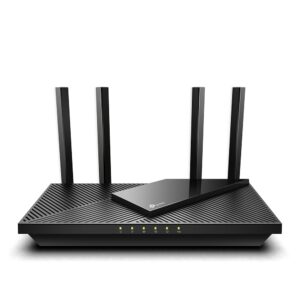
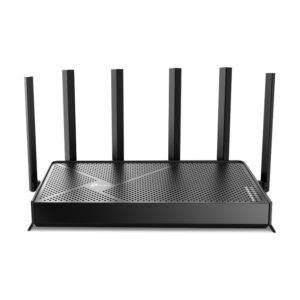
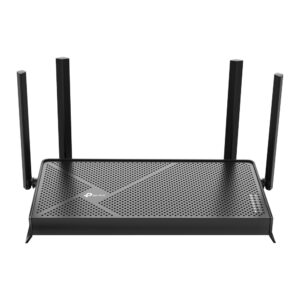
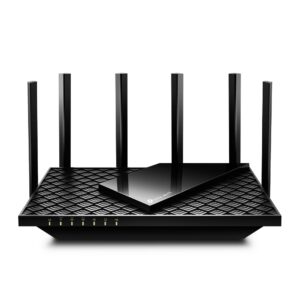
TP-Link Archer BE550 vs TP-Link Archer BE900
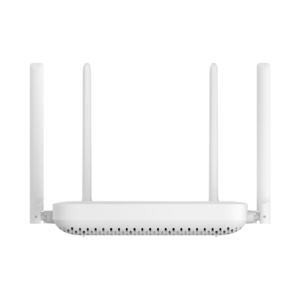
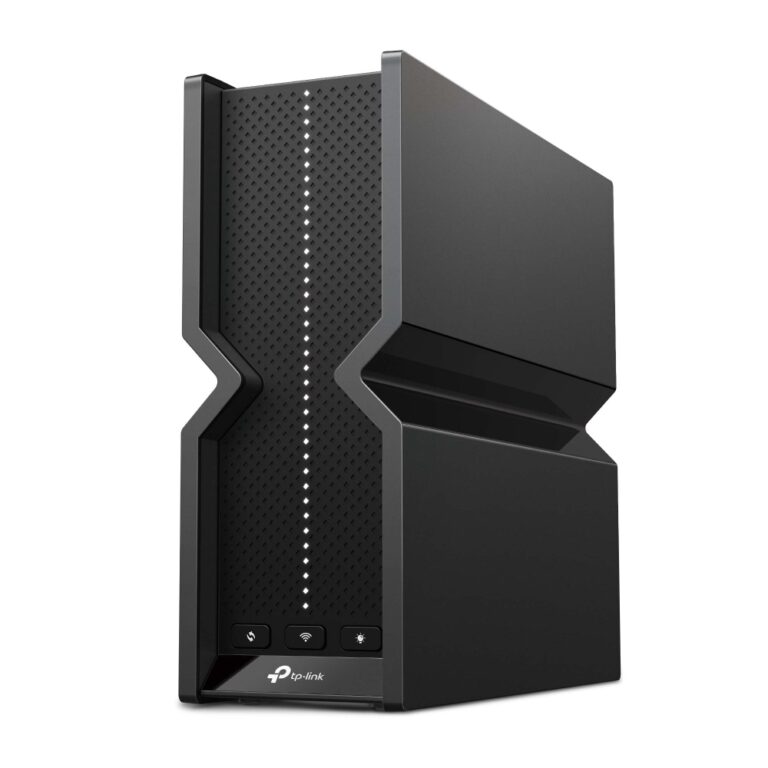
The same manufacturer's mid-range and flagship Wi-Fi 7 routers, and the spec gap is enormous on paper: quad-band against tri-band, two 10 Gbps ports against none, twelve antennas against six, five LAN ports against four, two USB ports against one. The useful question is which of those gaps a given household will ever notice.
The BE900's extra band is a second 6 GHz radio, which only Wi-Fi 6E and 7 devices can use, and which only pays off in a house with a lot of them or with a mesh built on 6 GHz backhaul. Its 10 Gbps WAN and LAN ports matter with a multi-gig internet plan or a 10 Gigabit local network; on a gigabit plan they sit idle. The twelve antennas and the wireless class more than double the BE550's, but a phone in the next room connects at the speed the phone allows, not the router.
The BE550 is the same firmware, the same HomeShield tiers, the same EasyMesh path, and the same 2.5 Gbps WAN that most current plans cannot exceed. It is tri-band, with a single 6 GHz radio that is plenty for a normal house, and it costs a fraction of the flagship.
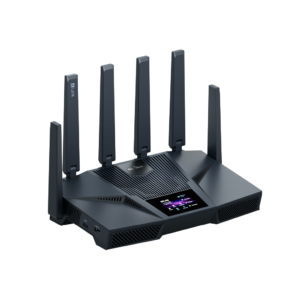
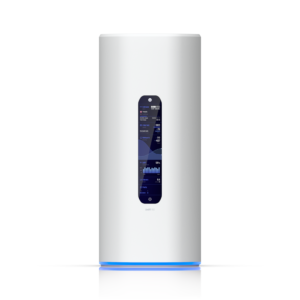
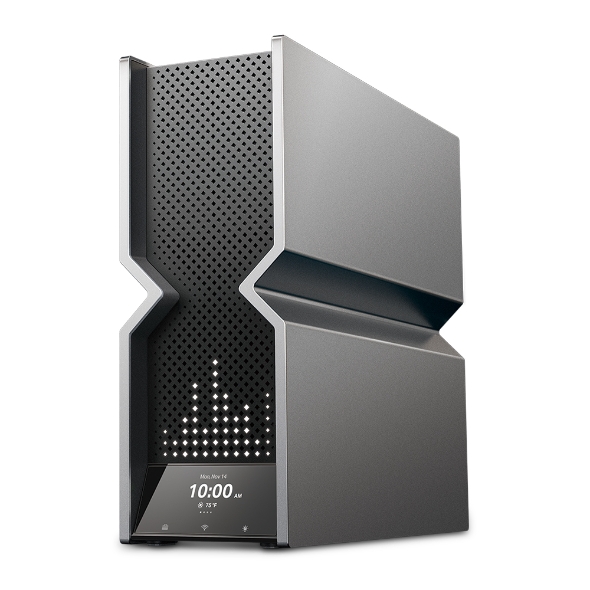
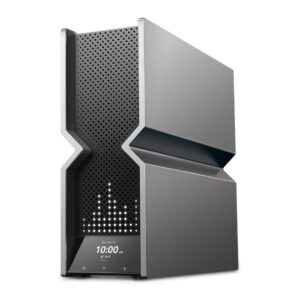
What the BE900 genuinely offers that the BE550 cannot is headroom for a specific kind of home: a 2-gigabit or faster plan, a NAS and desktops on 10 Gigabit, and a dense population of new devices. It also offers a screen on the front, which is a curiosity rather than a feature.
For everyone else, the BE550 delivers the same everyday Wi-Fi 7 experience, and the difference in price would buy a second unit for mesh coverage - which improves a house more than any flagship radio does.
Editor’s note
I have a standing objection to how routers at this level are sold. A flagship's headline figure adds up every radio in the box, and no device on earth connects to all of them simultaneously, so the number describes the router's total capacity rather than anything a single laptop will ever experience. The BE900 is a good router marketed in a way that flatters it well past what it can do for a normal home.
That said, it is not purely a vanity purchase. Wired ports are the part of a router you genuinely cannot upgrade later, and if you already run fast local storage, or expect a quicker line within the life of the device, that headroom is real and permanent rather than theoretical.
The BE550 gets nearly everything right for far less money: the same firmware, the same security tiers, the same mesh path, and a WAN port that already outruns what most connections deliver. Its compromise is simply that it has less room to grow, and that only becomes a problem if your home network changes substantially.
The display on the front of the flagship I would discount entirely when deciding between them.
Head-to-head points: every spec is scaled between these products only, so a product can score high here and modestly on its own page, where the VS Score measures it against the median of its class.
Where the TP-Link Archer BE550 beats the TP-Link Archer BE900
No standout advantages.
Where the TP-Link Archer BE900 beats the TP-Link Archer BE550
- A much higher max wireless speed ?24,416 Mbps vs 9,328 Mbps
- More frequency bands ?4 vs 3
- A much higher WAN port speed ?10 Gbps vs 2.5 Gbps
- More LAN ports ?6 vs 4
- More USB ports ?2 vs 1
- More antennas ?12 vs 6
Key real-world differences
The spec sheet pulls in both directions. These are the gaps big enough to shape the decision — with the actual figures, and what each one means in real-world use.
- Max wireless speedWireless9,328 Mbps vs 24,416 Mbps — 2.6× more for the TP-Link Archer BE900
The combined theoretical throughput across all bands.
- WAN port speedPorts & wired2.5 Gbps vs 10 Gbps — 4× more for the TP-Link Archer BE900
The internet-facing port speed; a multi-gig WAN futureproofs fast plans.
- LAN portsPorts & wired4 vs 6 — 50% more for the TP-Link Archer BE900
The number of wired Ethernet ports for devices.
- Frequency bandsWireless3 vs 4 — 33.3% more for the TP-Link Archer BE900
How many radio bands the router broadcasts (dual-band = 2, tri-band = 3, quad-band = 4).
- AntennasHardware6 vs 12 — 2× more for the TP-Link Archer BE900
The number of antennas (internal or external).
Which one should you buy?
There is no single answer — it depends on what you will actually use it for. Match your priority to the pick below.
- Best for wireless TP-Link Archer BE900 takes the category 100 to 61 — driven by max wireless speed (9,328 Mbps vs 24,416 Mbps).
- Best for ports & wired TP-Link Archer BE900 takes the category 100 to 22 — driven by WAN port speed (2.5 Gbps vs 10 Gbps).
- Best for hardware TP-Link Archer BE900 takes the category 100 to 0 — driven by antennas (6 vs 12).
- The safe all-rounder TP-Link Archer BE900 wins 3 of 4 categories and tops the overall VS Score at 100.
Where each one falls short
TP-Link Archer BE550
- Max wireless speed: 9,328 Mbps vs 24,416 Mbps
- WAN port speed: 2.5 Gbps vs 10 Gbps
- LAN ports: 4 vs 6
- 7 specs are unreported (shown as Unknown) and excluded from its scores.
TP-Link Archer BE900
- No major spec weaknesses in this matchup — the gaps that exist are small.
- 6 specs are unreported (shown as Unknown) and excluded from its scores.
What matters to you?
Drag the sliders to weight each category and re-rank the products to suit your priorities.
Score breakdown
Wireless
Ports & wired
Hardware
Features & security
Design
Specs last verified October 11, 2026TP-Link Archer BE550: 21 of 28 specs verified (75%)TP-Link Archer BE900: 22 of 28 specs verified (79%)Unverified specs show as Unknown — never estimated, never scored
What reviewers say
The bottom line
Buy the BE550. That is the honest answer for almost everyone who lands on this page, and the reasoning is short: the flagship's advantages are all conditional on equipment most households do not own, while its price is unconditional.
The BE900 makes sense in one shape of home - a very fast internet plan, a local network built for speed, and enough recently bought devices to use the newest band. Tick all three and it is a genuinely capable router whose extra ports will see use. Tick one and you are paying for readiness you may never grow into.
And if coverage rather than throughput is your real problem, neither of these is the answer. Spend the difference between them on a mesh kit or a second access point instead.
Latest comparisons