27 facts in comparison
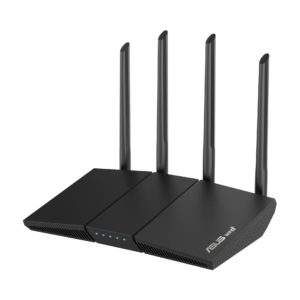
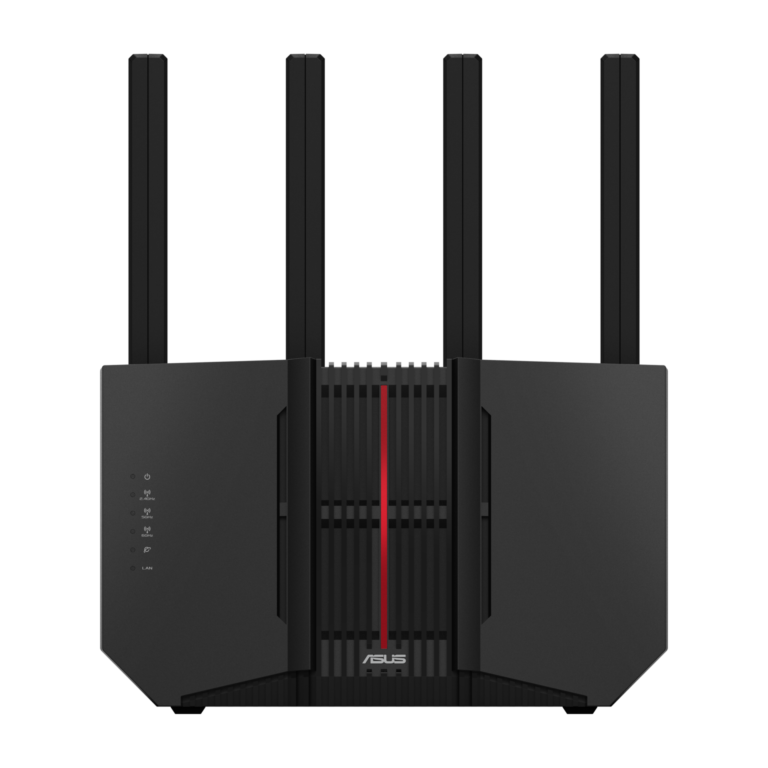
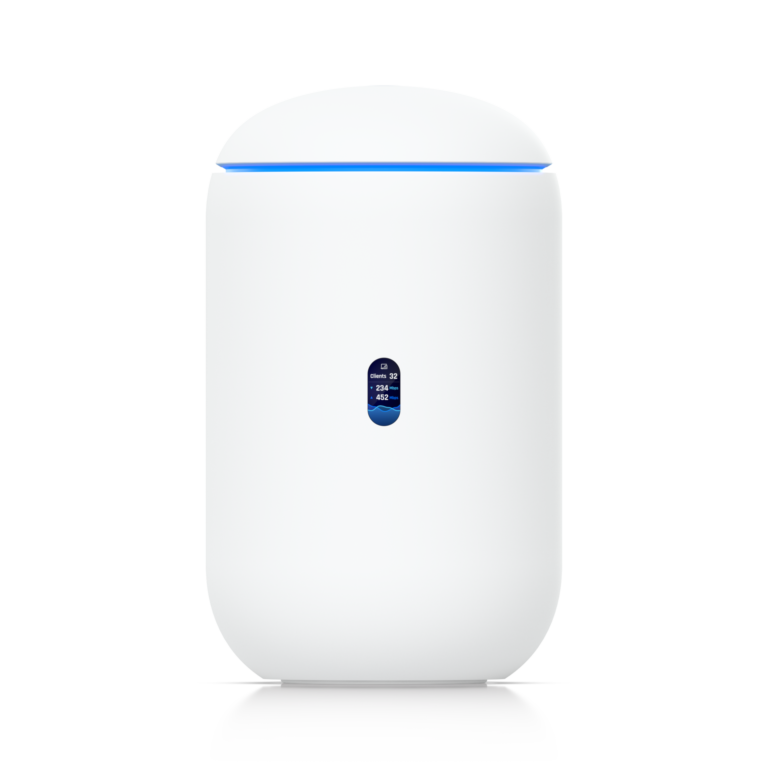
ASUS RT-BE92U vs Ubiquiti UDR7
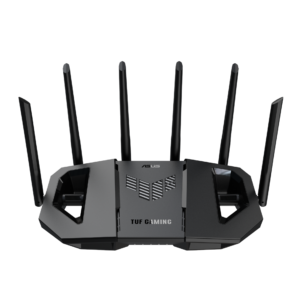
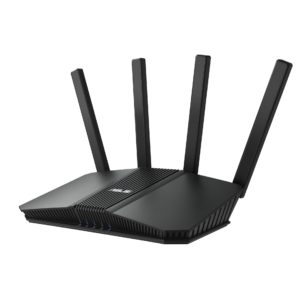
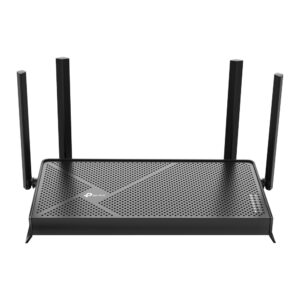
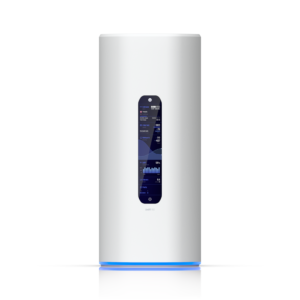
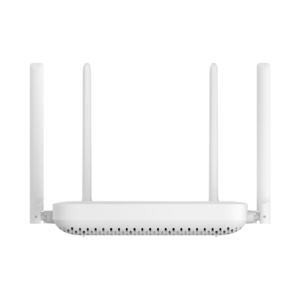
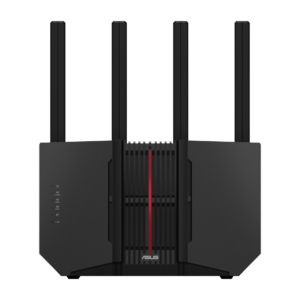
Two routers at a similar price with completely different ideas of what that money should buy. ASUS spends it on coverage and connectivity: a higher rated coverage area, four multi-gig LAN ports, a USB port, a 2 GHz processor and a body that mounts on a wall. Ubiquiti spends it on the network operating system: three times the RAM, the UniFi controller running on the router, and a tri-band radio that is rated slightly faster but covers less.
The RT-BE92U is the better single-box router for a house. It has the reach, the ports, and firmware that bundles a security suite, a VPN server and QoS with no subscription, plus AiMesh for extending coverage with cheaper ASUS units later. Its limits are the ones of every consumer router: no VLAN-level control worth the name, no way to manage other network gear from it, and a settings page that is capable rather than elegant.
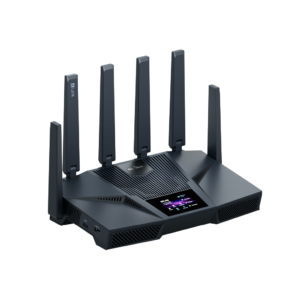
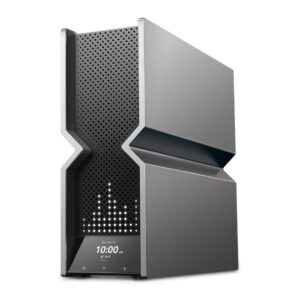
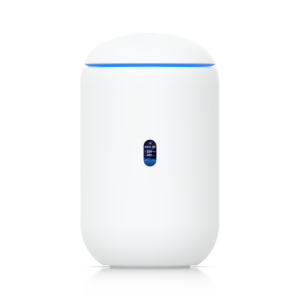
The UDR7 is a UniFi gateway that happens to have Wi-Fi 7 built in. Its point is what it manages: access points, switches and cameras added later all appear in one dashboard, with traffic rules, VLANs, intrusion detection and a built-in VPN. It is rated for fewer square feet and has no USB, because Ubiquiti expects coverage to come from access points rather than from the router.
So the ASUS wins the table on the rows that describe a router, and the Ubiquiti wins on the ones the table cannot show.
Buy the RT-BE92U for a house that wants one strong router with good free software. Buy the UDR7 as the first piece of a UniFi network you intend to grow, and accept that on its own it covers less.
Editor’s note
The ASUS wins on policy rather than hardware. AiProtection, adaptive QoS, the full set of parental-control profiles and a VPN server that speaks WireGuard and OpenVPN all stay free for the life of the box, and dual-WAN failover is there for a home that keeps a backup line. Its quiet compromise is radio width: the radios are two-stream, so the headline rating is every band added together, not what any one laptop will see.
The UDR7 makes the same radio compromise and hides it better, because the point of the box is elsewhere. One LAN port supplies PoE, enough to power a camera; a fibre-ready WAN sits beside the copper one; and a pre-installed microSD card turns it into a small recorder for UniFi Protect. Intrusion prevention comes free, though Ubiquiti sells an expanded signature set on top, and the desktop cylinder has no wall option.
The UDR7 is the wrong router for a house where nobody wants to learn what a VLAN is. The ASUS is the wrong one for a buyer with cameras on the shopping list, since it has no recorder and nothing to manage them from.
Head-to-head points: every spec is scaled between these products only, so a product can score high here and modestly on its own page, where the VS Score measures it against the median of its class.
Where the ASUS RT-BE92U beats the Ubiquiti UDR7
- A much higher coverage area ?2,750 sq ft vs 1,750 sq ft
- More LAN ports ?4 vs 3
- More USB ports ?1 vs 0
- A higher processor speed ?2 GHz vs 1.5 GHz
- Has wall-mountable ?
Where the Ubiquiti UDR7 beats the ASUS RT-BE92U
- A higher max wireless speed ?10,688 Mbps vs 9,678 Mbps
- Much more RAM ?3,072 MB vs 1,024 MB
Key real-world differences
The spec sheet pulls in both directions. These are the gaps big enough to shape the decision — with the actual figures, and what each one means in real-world use.
- Coverage areaWireless2,750 sq ft vs 1,750 sq ft — 57.1% more for the ASUS RT-BE92U
The home size the router is rated to cover.
- RAMHardware1,024 MB vs 3,072 MB — 3× more for the Ubiquiti UDR7
More memory handles more simultaneous connections smoothly.
- USB portsPorts & wired1 vs 0 — 1 more for the ASUS RT-BE92U
USB ports for shared drives or printers.
- LAN portsPorts & wired4 vs 3 — 33.3% more for the ASUS RT-BE92U
The number of wired Ethernet ports for devices.
- Wall-mountableDesignYes vs No — only the ASUS RT-BE92U has it
Can be mounted on a wall to save shelf space.
Which one should you buy?
There is no single answer — it depends on what you will actually use it for. Match your priority to the pick below.
- Best for wireless Ubiquiti UDR7 takes the category 82 to 76 — driven by max wireless speed (9,678 Mbps vs 10,688 Mbps).
- Best for ports & wired ASUS RT-BE92U takes the category 100 to 64 — driven by USB ports (1 vs 0).
- Best for hardware Ubiquiti UDR7 takes the category 71 to 59 — driven by RAM (1,024 MB vs 3,072 MB).
- Best for design ASUS RT-BE92U takes the category 100 to 0 — driven by wall-mountable (Yes vs No).
- Top overall score ASUS RT-BE92U tops the overall VS Score at 85 while winning 2 of 5 categories outright.
Where each one falls short
ASUS RT-BE92U
- RAM: 1,024 MB vs 3,072 MB
- 3 specs are unreported (shown as Unknown) and excluded from its scores.
Ubiquiti UDR7
- Coverage area: 2,750 sq ft vs 1,750 sq ft
- USB ports: 1 vs 0
- LAN ports: 4 vs 3
- 5 specs are unreported (shown as Unknown) and excluded from its scores.
What matters to you?
Drag the sliders to weight each category and re-rank the products to suit your priorities.
Score breakdown
Wireless
Ports & wired
Hardware
Features & security
Design
Specs last verified October 11, 2026ASUS RT-BE92U: 25 of 28 specs verified (89%)Ubiquiti UDR7: 23 of 28 specs verified (82%)Unverified specs show as Unknown — never estimated, never scored
What reviewers say
The bottom line
Decide on the network you expect to own a few years from now, not the one you have today. A home that will stay at one router, a few dozen devices and perhaps an AiMesh node in a far bedroom gets more from the ASUS: better reach from a single box, a wall to hang it on, and software that asks for nothing after the first setup.
A home or small office that already knows it wants cameras, a second access point or separate networks for work and guests should start with the UDR7, even though it covers less on its own. Its limits are fixed by adding hardware, and adding hardware is the plan anyway.
The deciding trade-off is simplicity against headroom. Neither is a speed pick for one demanding device; both spend their money on the rest of the network.
Latest comparisons