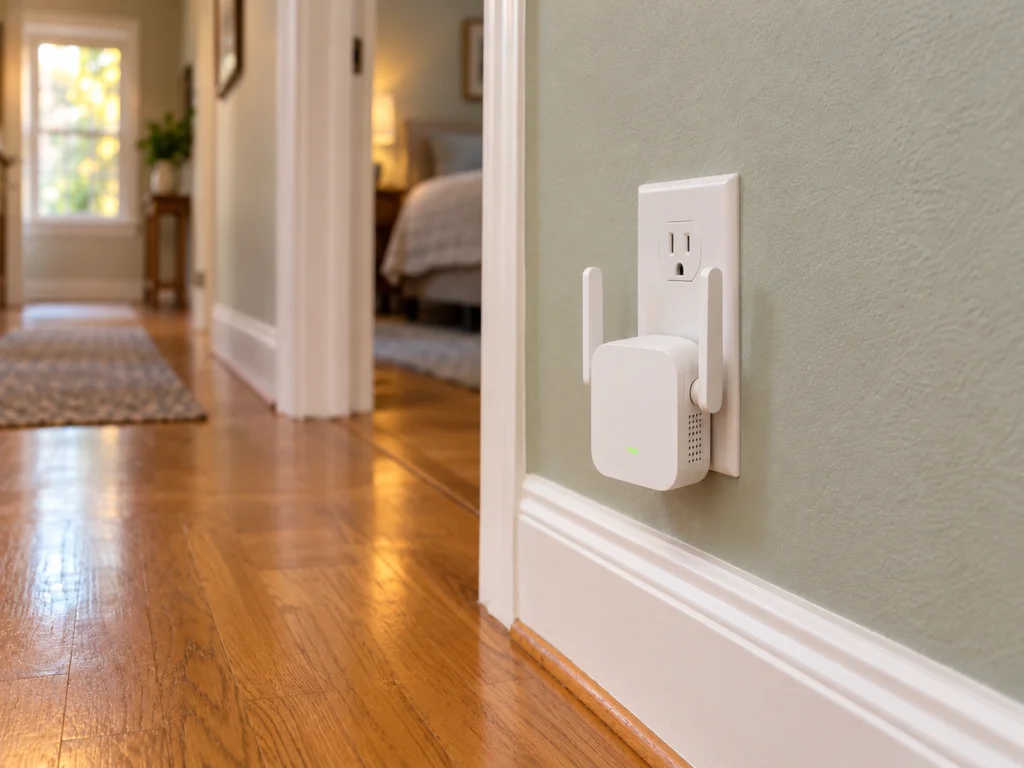
If a TP-Link RE305 extender carries your Wi-Fi to the far end of the house, check the label on it. A hardware version 3 unit has its first firmware update since July 2021. It fixes six flaws. The worst can let anyone on your home network take full control of the extender without a password. TP-Link put the RE305 firmware on its US site on October 22, five days before the advisory’s October 27 date.
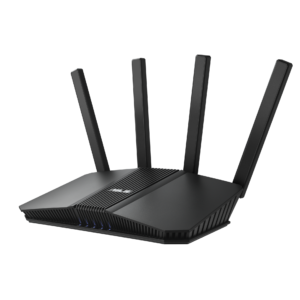
The Archer C7 V5 router shares two of the flaws. Its fix has been on TP-Link’s US site since August 27, so a C7 that has updated since then is already covered.
Root access for anyone on your Wi-Fi
The serious flaw is in TDDP, TP-Link’s device debug protocol. On the RE305 V3 it protects its commands with a fixed key that can be worked out. When the service is running, someone on the same network can forge those commands and run anything as root, the account with full control. TP-Link rates it 8.7 out of 10, High.
The same network means anyone connected to your Wi-Fi or plugged into your router. That includes a guest you gave the password to, a roommate, or any device on the network that someone else already controls. A stranger out on the internet can’t reach it directly.
This one is reason enough to update the extender as soon as you can. Every phone and laptop connected through it sends its traffic through a box someone else could control.
The RE305 V3 has three more flaws of its own, all rated Medium:
- Someone on your network can request a reset code for the admin password, guess it and set a new password. The codes are predictable, and nothing limits the attempts.
- Someone on your network can change the extender’s country setting without logging in, which can drop devices off its Wi-Fi.
- A program already running on the extender can raise itself to root. This one needs a foothold on the device first.
Two flaws the Archer C7 V5 shares
Both of the shared flaws come from keys that are the same on every unit. The first is a private key used at login. Someone who records an admin login made over plain HTTP can use that key to decrypt your admin password.
The second is the key that encrypts configuration backups. Anyone who gets hold of a backup file can decrypt it and read the admin password and the Wi-Fi password inside.
Which units, and which file
TP-Link names hardware version 3 of the RE305 and version 5 of the Archer C7. The label prints it after “Ver:” next to the model number. TP-Link’s naming rule treats a label ending in .6 or .8 as the same hardware version as the whole number. So a label reading 3.6 means version 3.
The advisory lists the RE305’s fix as version 1.1.8, build 20260921. The US download page has version 1.1.8 as build 261010, with the note “Improved overall security.” That’s the build the advisory’s US link leads to. TP-Link also keeps a separate US page for the RE305 V3.60, and it carries the same version and build, posted a day later.
For the Archer C7 V5, the fix is version 1.3.1, build 260821. Its release notes promise better device security and changes to how settings are imported and exported, the part behind the backup flaw. Before this one, its last update was posted in November 2022.
Updating the extender
Start connected to the extender, over its Wi-Fi or its Ethernet port, then follow TP-Link’s extender guide.
- In the Tether app, go to More, then System, then Firmware Update, and tap Update.
- Or open tplinkrepeater.net in a browser, log in, and go to Settings, then System Tools, then Firmware Upgrade. Click Check for Upgrade.
- If that finds nothing, download the ZIP from the US download page, extract the BIN file, and upload it under Local Upgrade on the same screen.
- Leave the extender plugged in until it restarts.
The Archer C7 works with the Tether app too, and its own US download page has the file for a manual update.
Passwords and old backups
A password someone captured before the update still works after it. If anyone outside your household has been on your network, change the admin password on the RE305 or the C7 once it’s updated.
Delete any configuration backup you saved from either device before the update. By our reading, those files can still be opened with the old key, and they hold your Wi-Fi password.
Keep it or replace it
Neither box has to be replaced because of this advisory, since both now have a fix. Still, the RE305 V3 went more than five years without an update, and the C7 V5 nearly four.
Both are Wi-Fi 5 models, the C7 an AC1750 router and the RE305 an AC1200 extender. If the extender is there because the router can’t reach one end of the house, we’d plan to replace the pair the next time either one gives trouble. Two units of a dual-band Wi-Fi 7 mesh like the TP-Link Deco BE25, which TP-Link sells one at a time, would do both jobs as one system to keep updated.