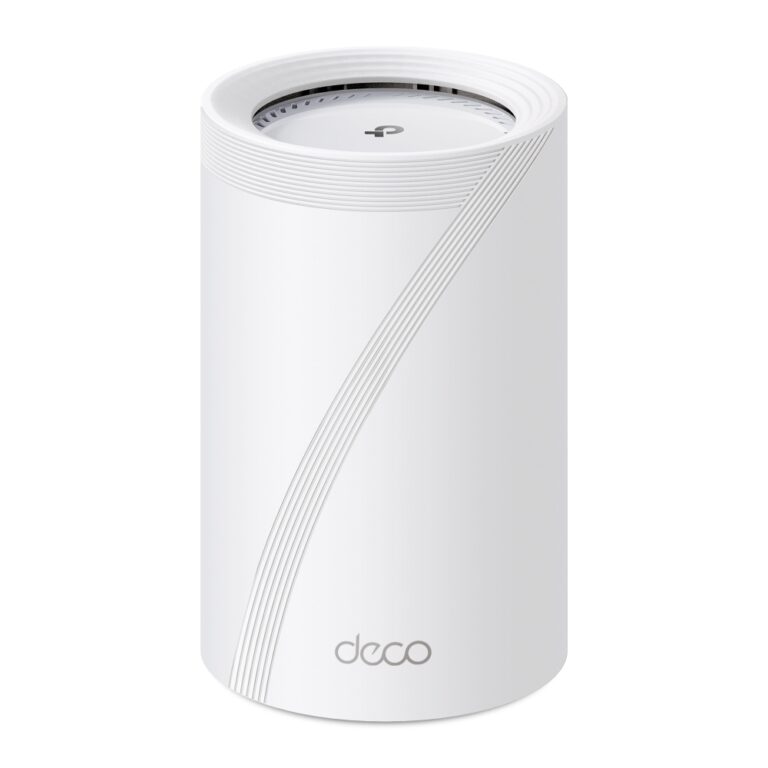
No current price: no retailer we track lists it right now.
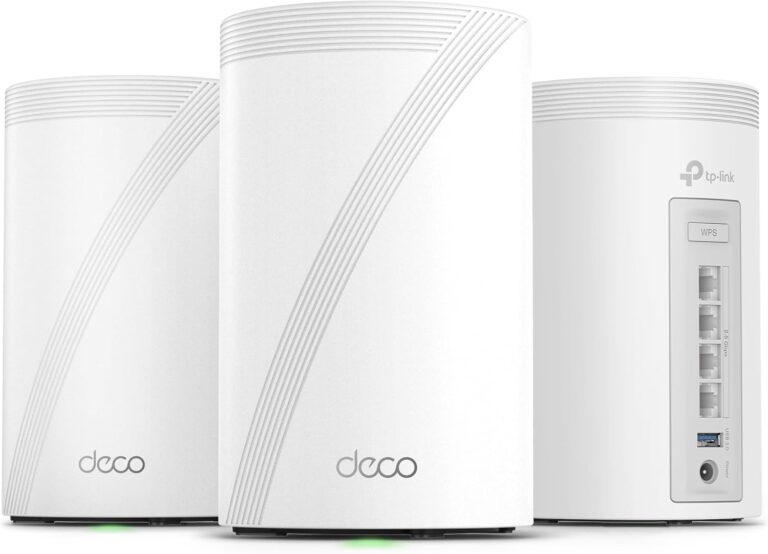
20 facts in comparison
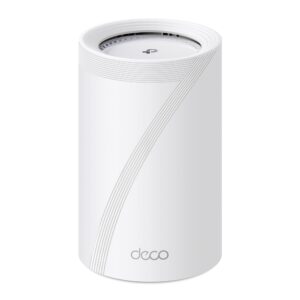
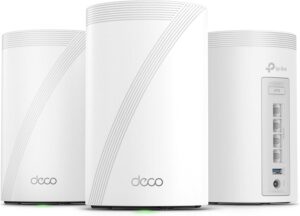
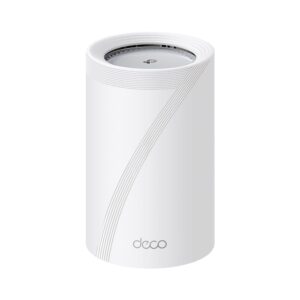
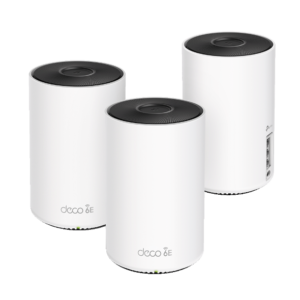
TP-Link Deco BE67 vs TP-Link Deco BE63
Same Deco family, one tier apart, and the upgrade is concentrated in two places: a faster 6 GHz radio and a 10 Gbps port on every unit where the BE63 has 2.5 Gbps. Everything else - the app, the mesh behaviour, the EasyMesh compatibility, the shape - is shared.
The BE67's higher wireless class comes almost entirely from the 6 GHz band, which is the band only Wi-Fi 6E and 7 clients can use. In a house full of phones and laptops from the last two years it is real, usable headroom; in a house of older devices it is capacity nobody connects to. The 10 Gbps port is the more concrete gain, because it is what turns wired backhaul into a link that will never be the bottleneck, and what lets a 10 Gigabit NAS or desktop hang off a node directly.
The BE63 answers with a small but genuine advantage: four Ethernet ports per unit to the BE67's three. For a household that wires a television, a console and a desktop to the nearest node, the extra port is the difference between plugging in and buying a switch.
Coverage ratings are close, and the difference is well inside the margin that walls and floor plans impose. Neither has a dedicated backhaul radio, so both do their best work with Ethernet between the units.
Buy the BE67 for a multi-gig internet plan, a 10 Gigabit local network, or a house with many Wi-Fi 6E and 7 clients. Buy the BE63 for a gigabit plan, older devices, and rooms where the fourth port would otherwise mean another box. The price gap is the deciding factor more often than the radios are.
Editor’s note
The thing I would want a buyer to understand about the BE67 is that most of what it charges extra for is capacity on a band that a good half of the devices in an average home cannot even see. Wi-Fi 7 marketing adds the radios together and presents the sum as a speed, which is not how any single client connects. If your laptop is a couple of years older than the router, the headline advantage quietly evaporates.
The BE63 is the more honest product of the pair for that reason, and its extra wired port per unit is a genuinely practical win in a room holding a television, a console and a desktop. Where it compromises is the same place the BE67 does: neither reserves a radio for backhaul, so in a wireless-only mesh both spend part of their capacity talking to each other rather than to you. Running Ethernet between the nodes fixes that on either model, and it is the single change that helps most.
Who should walk past both: anyone with a small flat and a gigabit line. One good router will serve you better, and cost considerably less, than a mesh kit bought for a problem you do not have.
Head-to-head points: every spec is scaled between these products only, so a product can score high here and modestly on its own page, where the VS Score measures it against the median of its class.
Where the TP-Link Deco BE67 beats the TP-Link Deco BE63
- A higher max wireless speed ?13,659 Mbps vs 10,086 Mbps
- A slightly higher coverage area ?8,100 sq ft vs 7,600 sq ft
Where the TP-Link Deco BE63 beats the TP-Link Deco BE67
- A higher ethernet ports per unit ?4 vs 3
Key real-world differences
The spec sheet pulls in both directions. These are the gaps big enough to shape the decision — with the actual figures, and what each one means in real-world use.
- Max wireless speedWireless13,659 Mbps vs 10,086 Mbps — 35.4% more for the TP-Link Deco BE67
The combined theoretical throughput across all bands.
- Ethernet ports per unitPorts & backhaul3 vs 4 — 33.3% more for the TP-Link Deco BE63
Wired ports on each mesh unit for TVs, consoles or desktops.
- Coverage areaWireless8,100 sq ft vs 7,600 sq ft — 6.6% more for the TP-Link Deco BE67
The total home size the included units are rated to cover.
On paper this is a win, but a gap this small is unlikely to be noticeable in daily use.
Which one should you buy?
There is no single answer — it depends on what you will actually use it for. Match your priority to the pick below.
- Best for wireless TP-Link Deco BE67 takes the category 100 to 59 — driven by max wireless speed (13,659 Mbps vs 10,086 Mbps).
- Best for ports & backhaul TP-Link Deco BE63 takes the category 100 to 64 — driven by ethernet ports per unit (3 vs 4).
- Top overall score TP-Link Deco BE67 tops the overall VS Score at 93 while winning 1 of 3 categories outright.
Where each one falls short
TP-Link Deco BE67
- Ethernet ports per unit: 3 vs 4
- 1 spec is unreported (shown as Unknown) and excluded from its scores.
TP-Link Deco BE63
- Max wireless speed: 13,659 Mbps vs 10,086 Mbps
- 1 spec is unreported (shown as Unknown) and excluded from its scores.
What matters to you?
Drag the sliders to weight each category and re-rank the products to suit your priorities.
Score breakdown
Wireless
Ports & backhaul
Features & security
Design
Specs last verified October 11, 2026TP-Link Deco BE67: 20 of 21 specs verified (95%)TP-Link Deco BE63: 20 of 21 specs verified (95%)Unverified specs show as Unknown — never estimated, never scored
What reviewers say
The bottom line
Neither of these is the decision that will determine how your Wi-Fi actually feels. How many units you buy, and whether you can run a cable between them, will matter more than the gap between these two models, and that is worth settling before you compare radios at all.
Once it is settled, the choice is simple. If your internet plan is faster than a gigabit, or you keep storage and desktops on a fast local network, take the BE67; the quicker wired port on every node is the one thing here you cannot add later. If your plan is gigabit and your devices are a few years old, take the BE63, keep the extra wired port on each unit, and put the saving toward a third node. That third node will improve the house more than either radio will.