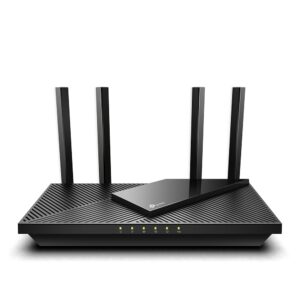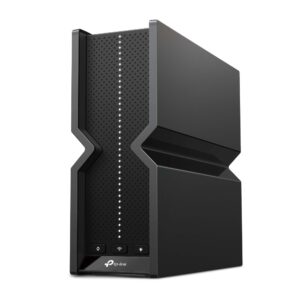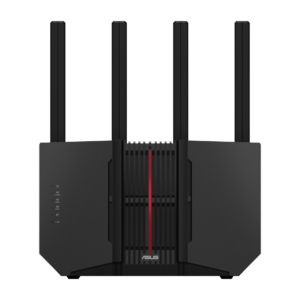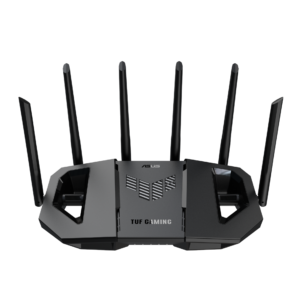
No current price: no retailer we track lists it right now.
24 facts in comparison
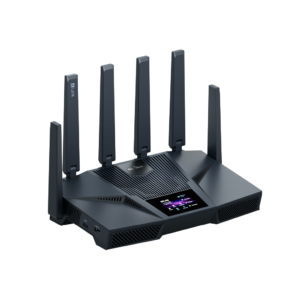
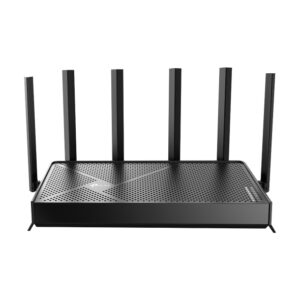
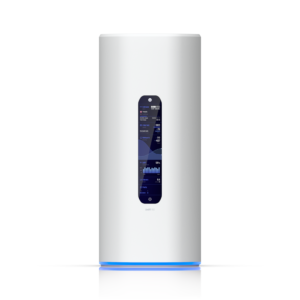
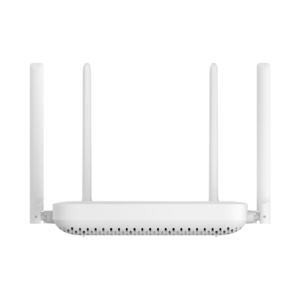
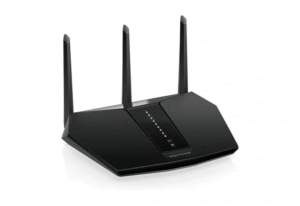
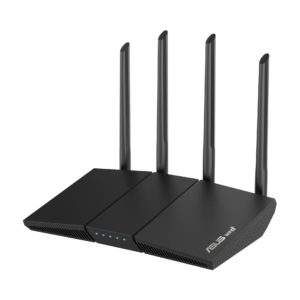
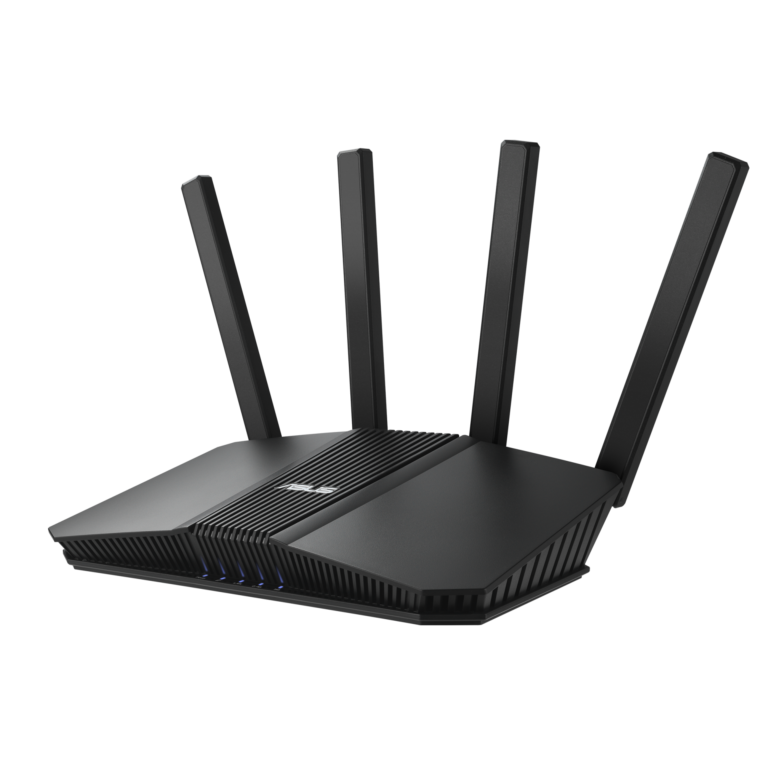
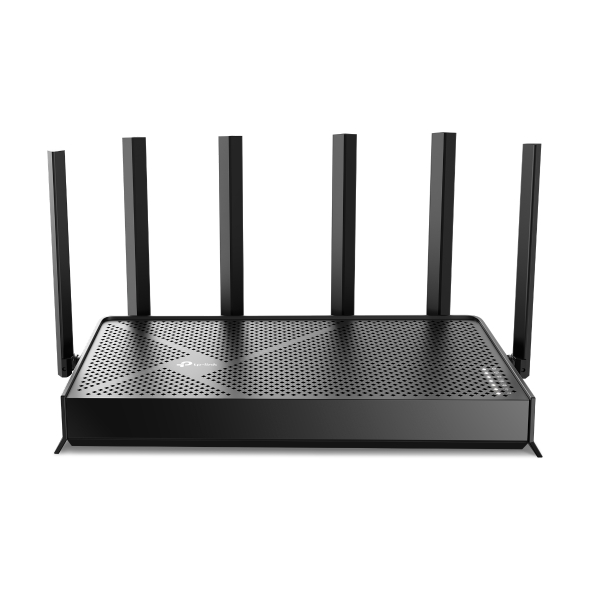
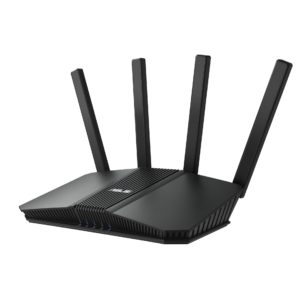
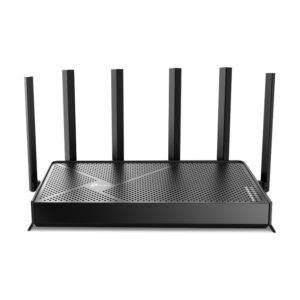
ASUS RT-BE82U vs TP-Link Archer BE9500
Both are sold as Wi-Fi 7 routers and they have almost nothing in common, because they spend the badge in opposite places.
The Archer BE9500 buys spectrum. It is genuinely tri-band, with a 5,765 Mbps 6 GHz radio on 320 MHz channels alongside a 2,722 Mbps 5 GHz one, and that 6 GHz radio is the reason Wi-Fi 7 is faster than Wi-Fi 6 in practice. Its wired side is unusual too: a 10 Gbps port on the same chassis as multi-gig LAN. The catch with 6 GHz is physical - it barely survives a wall - so the fast radio is a same-room radio, and anything further away falls back to 5 GHz.
The RT-BE82U buys ports. There is no 6 GHz radio at all and no firmware will add one, so on wireless it behaves like a good Wi-Fi 6E router. What it has instead is one 2.5 Gbps WAN port and four 2.5 Gbps LAN ports, driven by a 2.0 GHz quad-core with a full gigabyte of RAM. Four multi-gig LAN ports at this price is still rare; most rivals give you one and charge more.
So the question is where the bottleneck actually sits. If it is the internet line, or a NAS and a desktop that each want more than a gigabit, the ASUS solves that for less money. If it is a desk of laptops, phones and a headset in the same room as the router, and you want the fastest wireless available to them, the TP-Link has the radio for it.
Buying either one for the badge alone is how people end up disappointed by Wi-Fi 7.
Head-to-head points: every spec is scaled between these products only, so a product can score high here and modestly on its own page, where the VS Score measures it against the median of its class.
Where the ASUS RT-BE82U beats the TP-Link Archer BE9500
- Has built-in security suite ?
Where the TP-Link Archer BE9500 beats the ASUS RT-BE82U
- A much higher max wireless speed ?9,519 Mbps vs 6,452 Mbps
- More frequency bands ?3 vs 2
- Has 6 GHz band ?
- A much higher WAN port speed ?10 Gbps vs 2.5 Gbps
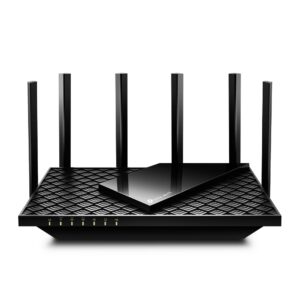
- More antennas ?6 vs 4
Key real-world differences
The spec sheet pulls in both directions. These are the gaps big enough to shape the decision — with the actual figures, and what each one means in real-world use.
- WAN port speedPorts & wired2.5 Gbps vs 10 Gbps — 4× more for the TP-Link Archer BE9500
The internet-facing port speed; a multi-gig WAN futureproofs fast plans.
- 6 GHz bandWirelessNo vs Yes — only the TP-Link Archer BE9500 has it
A 6 GHz radio offers uncongested airspace for Wi-Fi 6E/7 devices.
- Max wireless speedWireless6,452 Mbps vs 9,519 Mbps — 47.5% more for the TP-Link Archer BE9500
The combined theoretical throughput across all bands.
- Built-in security suiteFeatures & securityYes vs No — only the ASUS RT-BE82U has it
Network-level threat protection (e.g. ASUS AiProtection, TP-Link HomeShield).
- AntennasHardware4 vs 6 — 50% more for the TP-Link Archer BE9500
The number of antennas (internal or external).
Which one should you buy?
There is no single answer — it depends on what you will actually use it for. Match your priority to the pick below.
- Best for wireless TP-Link Archer BE9500 takes the category 100 to 44 — driven by 6 GHz band (No vs Yes).
- Best for features & security ASUS RT-BE82U takes the category 100 to 89 — driven by built-in security suite (Yes vs No).
- Best for ports & wired TP-Link Archer BE9500 takes the category 100 to 58 — driven by WAN port speed (2.5 Gbps vs 10 Gbps).
- Best for hardware TP-Link Archer BE9500 takes the category 100 to 0 — driven by antennas (4 vs 6).
- The safe all-rounder TP-Link Archer BE9500 wins 3 of 4 categories and tops the overall VS Score at 97.
Where each one falls short
ASUS RT-BE82U
- WAN port speed: 2.5 Gbps vs 10 Gbps
- 6 GHz band: No vs Yes
- Max wireless speed: 6,452 Mbps vs 9,519 Mbps
- 5 specs are unreported (shown as Unknown) and excluded from its scores.
TP-Link Archer BE9500
- Built-in security suite: Yes vs No
- 8 specs are unreported (shown as Unknown) and excluded from its scores.
What matters to you?
Drag the sliders to weight each category and re-rank the products to suit your priorities.
Score breakdown
Wireless
Ports & wired
Hardware
Features & security
Design
Specs last verified October 11, 2026ASUS RT-BE82U: 23 of 28 specs verified (82%)TP-Link Archer BE9500: 20 of 28 specs verified (71%)Unverified specs show as Unknown — never estimated, never scored
What reviewers say
The bottom line
The TP-Link Archer BE9500 is the clear winner, scoring 97 to 63 on our VS Score. It leads on Wireless, Ports & wired and Hardware. The ASUS RT-BE82U answers back with stronger Features & security. Pick the TP-Link Archer BE9500 unless Features & security matters most to you — then the ASUS RT-BE82U is the smarter buy.
Latest comparisons