No current price: no retailer we track lists it right now.
20 facts in comparison
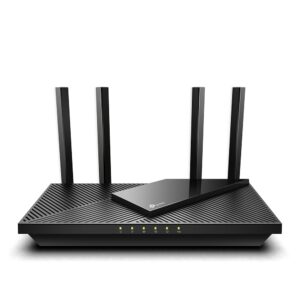
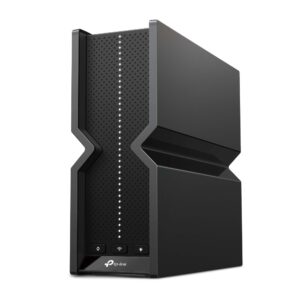
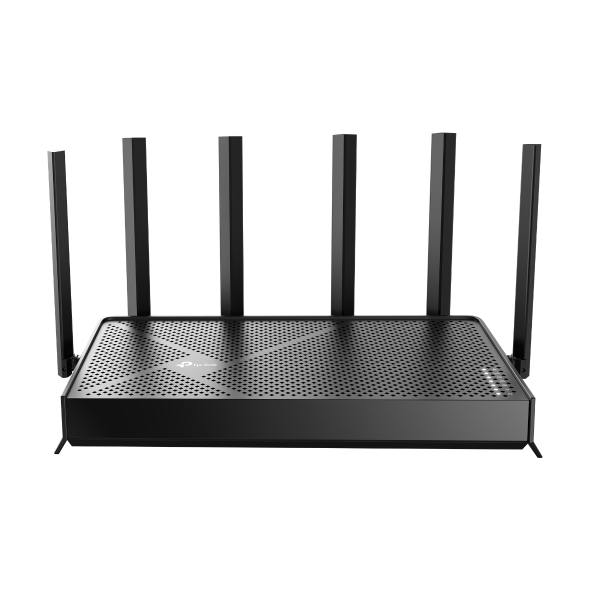
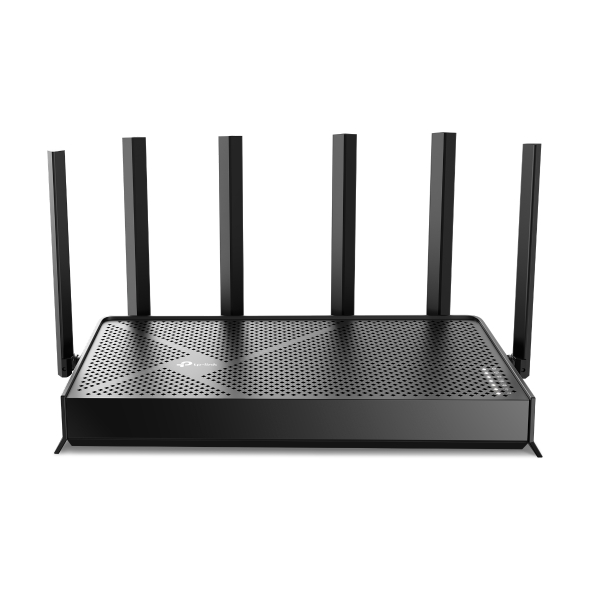
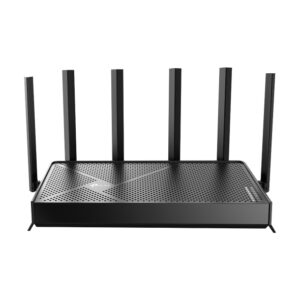
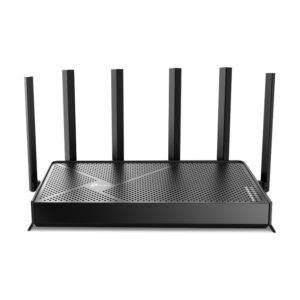
TP-Link Archer BE400 vs TP-Link Archer BE9500
Both of these are Wi-Fi 7 routers from the same maker, and the model numbers imply a simple ladder. The table says otherwise: the row that separates them is whether there is a 6 GHz band at all, and every other difference follows from it.
The BE400 is dual-band. It speaks Wi-Fi 7 across 2.4 and 5 GHz, which brings the protocol's efficiency gains and its wider channels on 5 GHz, but it cannot use the band Wi-Fi 7 was designed around. The BE9500 is tri-band, and its larger headline speed is mostly that extra radio being added into the same arithmetic. Those advertised totals are sums of every band running flat out at once, a state no single client ever produces. Treat them as a way to tell the two models apart rather than as a rate anyone will see.
The second real difference is the wide-area port. One accepts a 2.5 Gbps connection and the other ten. That distinction is meaningless to the large majority of households, whose internet arrives well below either figure, and decisive for the small number on multi-gigabit fibre. It is the easiest row in the table to check against your own bill.
Where the comparison turns genuinely misleading is client hardware. A 6 GHz band is only useful if the phones, laptops and headsets in the house can join it, and outside recent flagship devices most cannot. Buying tri-band for a house of Wi-Fi 5 and Wi-Fi 6 kit buys a radio that nothing connects to.
The honest framing is that the BE400 serves the devices you own and the BE9500 serves the ones you have not bought yet.
Editor’s note
There is a habit in Wi-Fi 7 marketing of quoting a combined figure no client can reach, and this pair illustrates it well: the gap between them looks enormous until you notice most of it is a band only new devices can join.
My practical view is that 6 GHz is worth paying for in two situations. One is a flat or a terraced house where 5 GHz is crowded with neighbours, because 6 GHz is comparatively empty and that is worth more than any speed number. The other is a household that has already replaced its phones and laptops recently. Everyone else is buying capacity that will sit idle.
The ten-gigabit wide-area port on the larger model deserves the same scepticism. It future-proofs a connection most people cannot yet buy, and on its own it does nothing for the speed of the local network, which depends on the local ports and what is plugged into them.
If the choice still feels close, look past both routers at coverage. A single unit of either kind struggles with the same walls, and the smaller model plus a second node usually beats the larger one standing alone.
Head-to-head points: every spec is scaled between these products only, so a product can score high here and modestly on its own page, where the VS Score measures it against the median of its class.
Where the TP-Link Archer BE400 beats the TP-Link Archer BE9500
No standout advantages.
Where the TP-Link Archer BE9500 beats the TP-Link Archer BE400
- A much higher max wireless speed ?9,519 Mbps vs 6,452 Mbps
- More frequency bands ?3 vs 2
- Has 6 GHz band ?
- A much higher WAN port speed ?10 Gbps vs 2.5 Gbps
Key real-world differences
The spec sheet pulls in both directions. These are the gaps big enough to shape the decision — with the actual figures, and what each one means in real-world use.
- WAN port speedPorts & wired2.5 Gbps vs 10 Gbps — 4× more for the TP-Link Archer BE9500
The internet-facing port speed; a multi-gig WAN futureproofs fast plans.
- 6 GHz bandWirelessNo vs Yes — only the TP-Link Archer BE9500 has it
A 6 GHz radio offers uncongested airspace for Wi-Fi 6E/7 devices.
- Max wireless speedWireless6,452 Mbps vs 9,519 Mbps — 47.5% more for the TP-Link Archer BE9500
The combined theoretical throughput across all bands.
Which one should you buy?
There is no single answer — it depends on what you will actually use it for. Match your priority to the pick below.
- Best for wireless TP-Link Archer BE9500 takes the category 100 to 48 — driven by 6 GHz band (No vs Yes).
- Best for ports & wired TP-Link Archer BE9500 takes the category 100 to 58 — driven by WAN port speed (2.5 Gbps vs 10 Gbps).
- The safe all-rounder TP-Link Archer BE9500 wins 2 of 4 categories and tops the overall VS Score at 100.
Where each one falls short
TP-Link Archer BE400
- WAN port speed: 2.5 Gbps vs 10 Gbps
- 6 GHz band: No vs Yes
- Max wireless speed: 6,452 Mbps vs 9,519 Mbps
- 8 specs are unreported (shown as Unknown) and excluded from its scores.
TP-Link Archer BE9500
- No major spec weaknesses in this matchup — the gaps that exist are small.
- 8 specs are unreported (shown as Unknown) and excluded from its scores.
What matters to you?
Drag the sliders to weight each category and re-rank the products to suit your priorities.
Score breakdown
Wireless
Ports & wired
Hardware
Features & security
Design
Specs last verified October 11, 2026TP-Link Archer BE400: 20 of 28 specs verified (71%)TP-Link Archer BE9500: 20 of 28 specs verified (71%)Unverified specs show as Unknown — never estimated, never scored
What reviewers say
The bottom line
Buy the BE400 if your internet arrives at a gigabit or below and your devices are the ones already in the house. It gets the practical Wi-Fi 7 benefits, and the money saved buys a mesh node or a switch, either of which will do more for coverage than an unused band. Step up to the BE9500 if you have multi-gigabit service, or if you already own 6 GHz clients and want the uncontested band they can use, which is where the extra radio earns its price - particularly in a dense block of flats. What should not decide it is the advertised total speed. That is a sum of radios, not a rate anything achieves.
Latest comparisons