26 facts in comparison
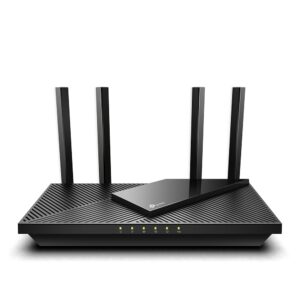
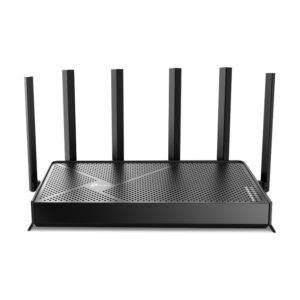
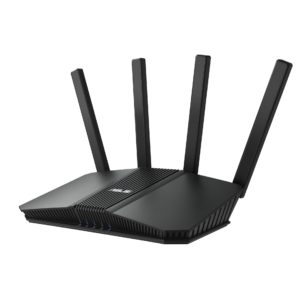
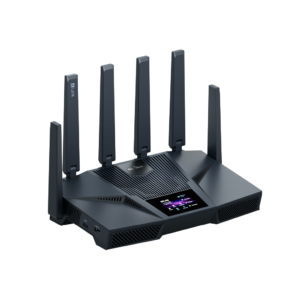
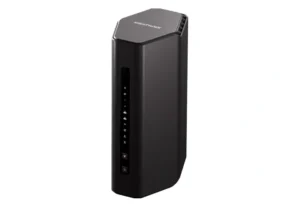
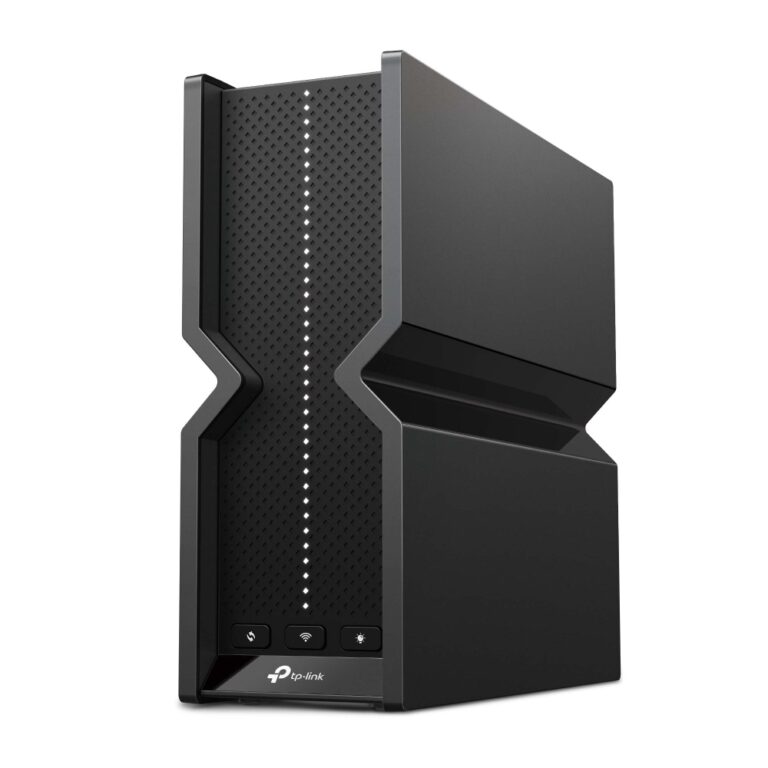
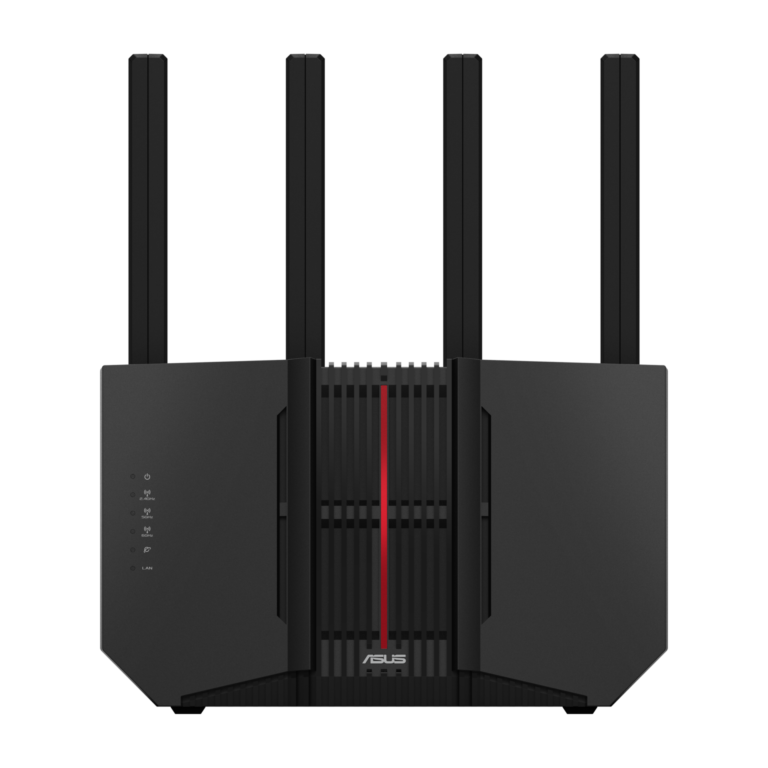
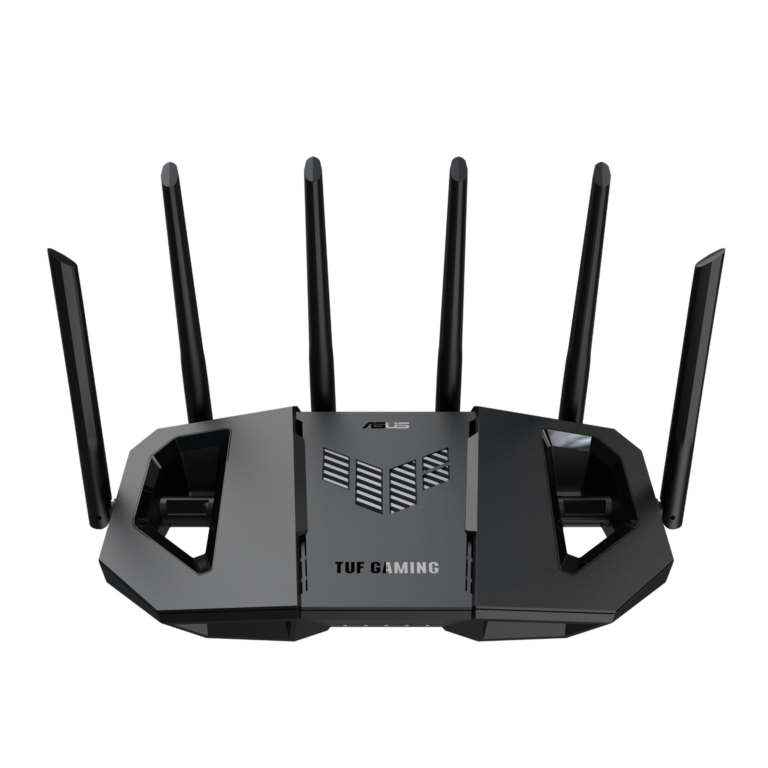
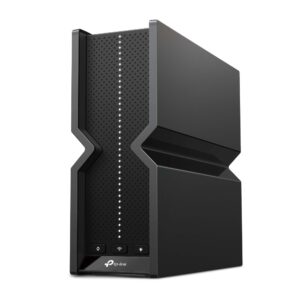
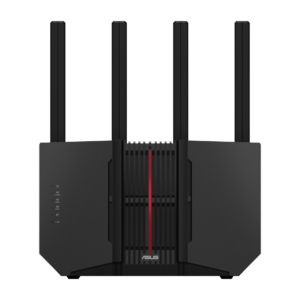
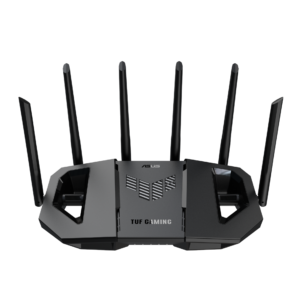
TP-Link Archer BE550 vs ASUS RT-BE92U vs ASUS TUF Gaming BE9400
Here is a comparison where the wireless numbers agree closely enough to be treated as a tie. All three are tri-band Wi-Fi 7 routers whose advertised totals land within a few hundred megabits of one another, and none of that difference is detectable in use. When a table converges like this, the decision moves to the rows people skim past.
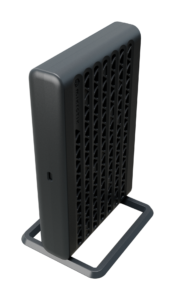
Two of those rows concern wired connections. The ASUS RT-BE92U is the only one here that accepts a ten-gigabit internet feed, which is either irrelevant or decisive depending entirely on what your provider sells. The TUF Gaming BE9400 gives up a local port relative to the other two, which sounds trivial until a console, a television, a network drive and a desktop are already accounted for and the next device needs a switch.
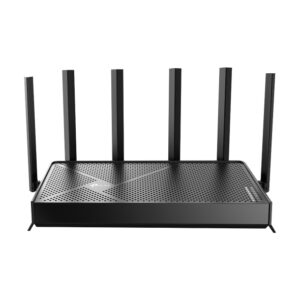
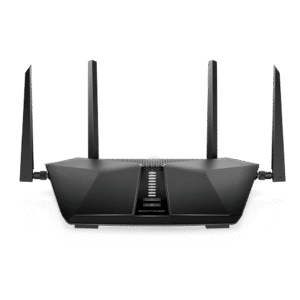
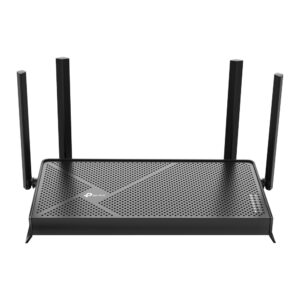
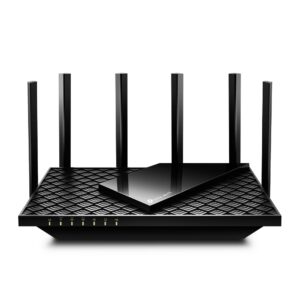
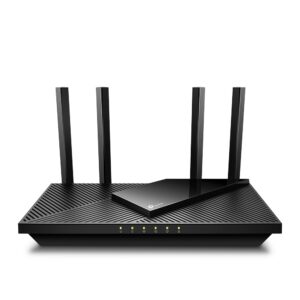
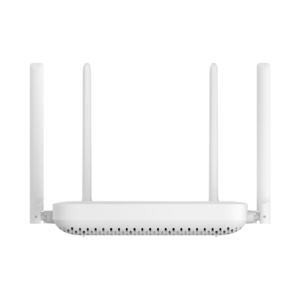
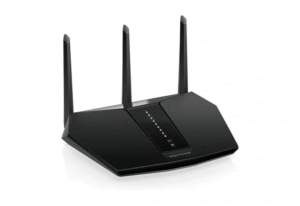
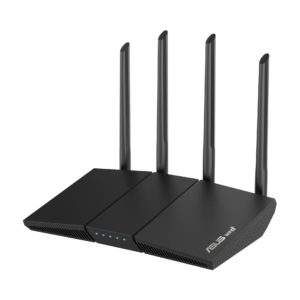
The antenna count is the row most likely to mislead. Six against four says nothing reliable about range, which depends on placement, transmit power and the shape of the building rather than on how many rods are visible from the outside.
That leaves the things the table cannot show: what the app is like to live with, how the mesh behaves when a second unit joins it, and how each maker handles firmware over the years. Those differ far more across these three than any wireless specification does, and they are what an owner notices a year in.
Treat the score column here as noise. Wi-Fi 7 has reached the point where the radio specification is table stakes across the mainstream brands, and what you are really choosing between is three different ideas of how a router should be owned: one that stays out of the way, one that wants to be tuned for games, and one that assumes the rest of your network will grow around it.
Editor’s note
What makes this set awkward is that it pairs products with the same specification but different intentions, and a scoring column cannot see intent.
The Archer BE550 is the mainstream choice and behaves like one: broad device compatibility, quick setup, and a maker that assumes you would rather not think about the router again. The TUF is sold on gaming features - traffic prioritisation, a themed interface, a console mode - none of which appear as rows in the table, yet they are most of what the price buys. If they do not appeal, its shortfall on local ports is hard to justify.
The RT-BE92U sits above both on connectivity but not meaningfully on wireless. Its case rests on the ten-gigabit port and on the ASUS ecosystem, and it collapses without them.
One caution applies to all three. None of them fixes a house that needs two access points. If the problem is a dead corner rather than a slow connection, the money does more as a mesh node or a cabled second unit than as the difference in price between these routers, which will all struggle with the same walls.
Category strengths
- TP-Link Archer BE550
- ASUS RT-BE92U
- ASUS TUF Gaming BE9400
Spec wins (head-to-head)
- TP-Link Archer BE550 0
- ASUS RT-BE92U 3
- ASUS TUF Gaming BE9400 0
Why TP-Link Archer BE550?
No standout advantages.
Why ASUS RT-BE92U?
- A slightly higher max wireless speed ?9,678 Mbps vs 9,334 Mbps
- A much higher WAN port speed ?10 Gbps vs 2.5 Gbps
- A higher processor speed ?2 GHz vs 1.5 GHz
Why ASUS TUF Gaming BE9400?
No standout advantages.
Key real-world differences
The spec sheet pulls in both directions. These are the gaps big enough to shape the decision — with the actual figures, and what each one means in real-world use.
- WAN port speedPorts & wired2.5 Gbps vs 10 Gbps vs 2.5 Gbps — 4× more for the ASUS RT-BE92U
The internet-facing port speed; a multi-gig WAN futureproofs fast plans.
- Processor speedHardware— vs 2 GHz vs 1.5 GHz — 33.3% more for the ASUS RT-BE92U
The clock speed of the router's CPU.
Clock speed only partly decides real performance — chip architecture and thermal design matter at least as much.
Which one should you buy?
There is no single answer — it depends on what you will actually use it for. Match your priority to the pick below.
- Best for wireless ASUS RT-BE92U takes the category 100 to 74 — driven by max wireless speed (9,328 Mbps vs 9,678 Mbps vs 9,334 Mbps).
- Best for ports & wired ASUS RT-BE92U takes the category 100 to 58 — driven by WAN port speed (2.5 Gbps vs 10 Gbps vs 2.5 Gbps).
- The safe all-rounder ASUS RT-BE92U wins 2 of 4 categories and tops the overall VS Score at 98.
Where each one falls short
TP-Link Archer BE550
- WAN port speed: 2.5 Gbps vs 10 Gbps vs 2.5 Gbps
- 7 specs are unreported (shown as Unknown) and excluded from its scores.
ASUS RT-BE92U
- No major spec weaknesses in this matchup — the gaps that exist are small.
- 3 specs are unreported (shown as Unknown) and excluded from its scores.
ASUS TUF Gaming BE9400
- Processor speed: — vs 2 GHz vs 1.5 GHz
- 4 specs are unreported (shown as Unknown) and excluded from its scores.
What matters to you?
Drag the sliders to weight each category and re-rank the products to suit your priorities.
Score breakdown
Wireless
Ports & wired
Hardware
Features & security
Design
Specs last verified October 11, 2026TP-Link Archer BE550: 21 of 28 specs verified (75%)ASUS RT-BE92U: 25 of 28 specs verified (89%)ASUS TUF Gaming BE9400: 24 of 28 specs verified (86%)Unverified specs show as Unknown — never estimated, never scored
What reviewers say
The bottom line
Pick the RT-BE92U if a multi-gigabit connection is in the house or on the horizon, because it is the only one of the three that can use it. Pick the Archer BE550 if you want the most wired ports and the simplest ownership for the smallest outlay, which for a typical family home is the sane default. Pick the TUF Gaming BE9400 only if its gaming-oriented features genuinely appeal and you can live with one fewer local port, because the wireless performance is not a reason to choose it over the other two. What should not decide this is the speed column: in a real house these three are separated by where you put them, not by their specifications.
Latest comparisons