26 facts in comparison
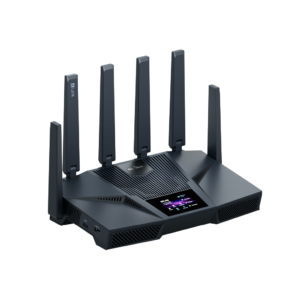
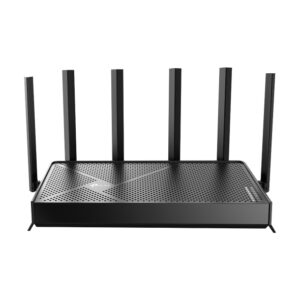
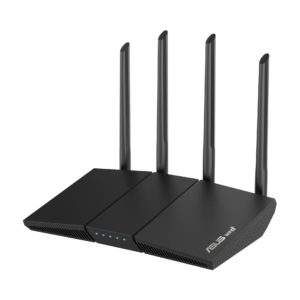
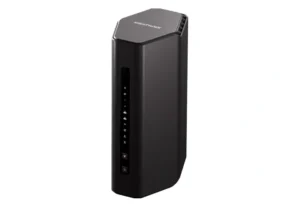
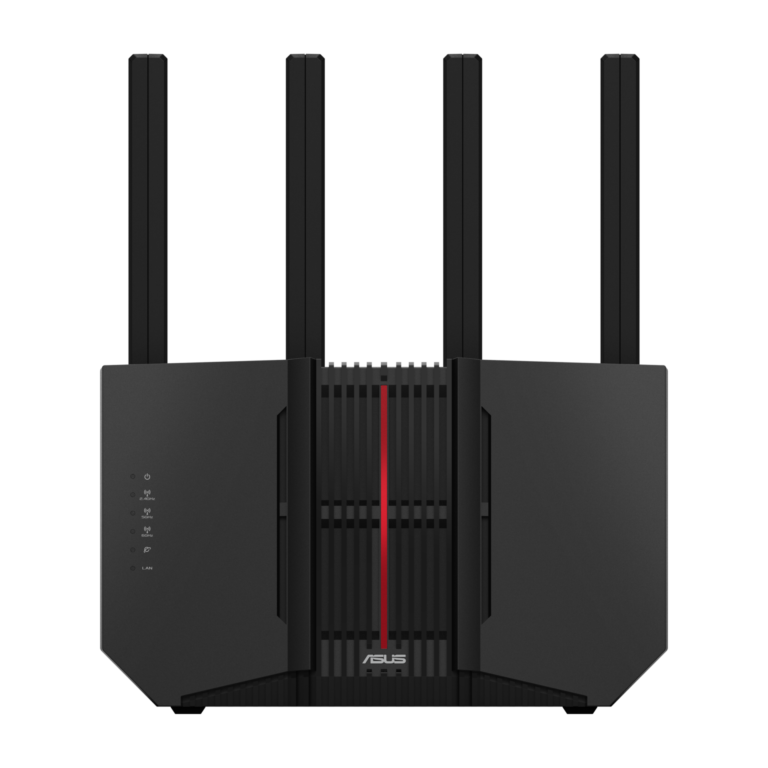
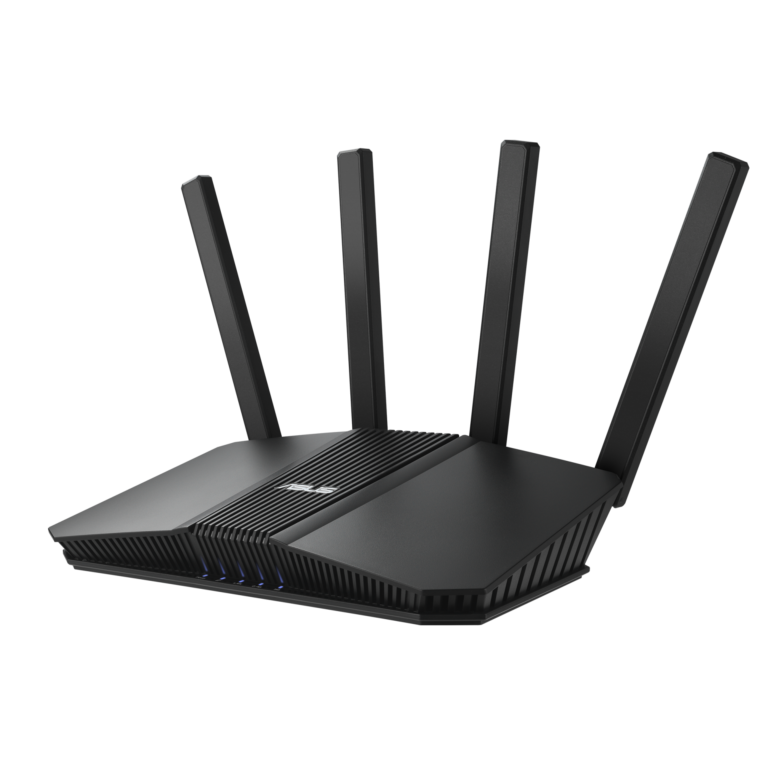
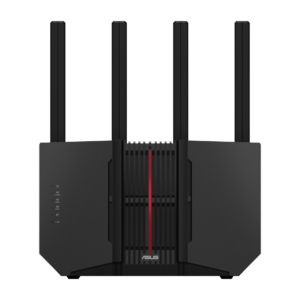
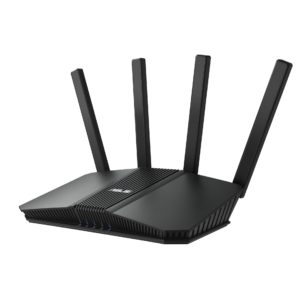
ASUS RT-BE92U vs ASUS RT-BE82U
ASUS numbers these two a digit apart and sells them side by side, which is how people end up with the wrong one. Everything usually written about ASUS routers - the mesh system, the security tools, the traffic controls, the interface - is identical here. What differs is radio hardware and a single port.
The RT-BE92U carries three bands including 6 GHz and accepts a ten-gigabit internet feed. The RT-BE82U carries two bands, tops out at a 2.5 Gbps feed, and has no 6 GHz radio at all. The advertised speed figures follow from that and should not be read as throughput; they sum every radio at its theoretical peak, a condition no household creates.
Because the software is shared, this comparison is unusually easy to reason about. There is no feature you gain by picking one over the other, no app that behaves differently, no mesh incompatibility to worry about. You are deciding whether a third radio and a faster socket are worth the price difference, and nothing else about ownership changes.
The wrong reason to choose the BE92U is the larger number on the box. The right reasons are specific: a multi-gigabit line to plug into, a home already stocked with 6 GHz-capable devices, or a location where the 5 GHz band is so congested at peak times that a private band is worth real money.
The wrong reason to choose the BE82U is price on its own, if you are about to replace your phones and laptops anyway. Bands you cannot use today become bands you resent missing next year.
Editor’s note
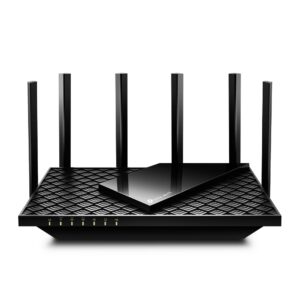
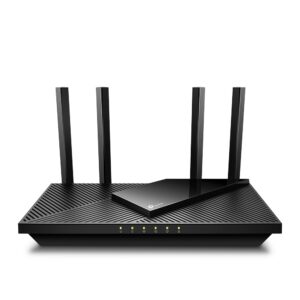
Where I would push back on both is the antenna arithmetic. Four antennas is a modest count for a router asked to cover a whole house, and the ASUS answer has always been to sell an extra node rather than a bigger single unit. That is a sound approach, but it means the router compared here may not be the last purchase, and that changes which one is really cheaper.
The security and parental tools ASUS bundles are among the better reasons to choose the brand at all, and since both models get the same set they cannot break the tie between them. Anyone weighing these against a cheaper brand should count them; anyone weighing them against each other should ignore them.
Finally, treat 6 GHz as a coverage compromise rather than a straight upgrade. It carries less far through walls than 5 GHz does, so in a large or older house the band that looks like the reason to buy the BE92U is often the first band to drop out. Judge it by where the router will stand, not by the specification.
Head-to-head points: every spec is scaled between these products only, so a product can score high here and modestly on its own page, where the VS Score measures it against the median of its class.
Where the ASUS RT-BE92U beats the ASUS RT-BE82U
- A much higher max wireless speed ?9,678 Mbps vs 6,452 Mbps
- More frequency bands ?3 vs 2
- Has 6 GHz band ?
- A much higher WAN port speed ?10 Gbps vs 2.5 Gbps
Where the ASUS RT-BE82U beats the ASUS RT-BE92U
No standout advantages.
Key real-world differences
The spec sheet pulls in both directions. These are the gaps big enough to shape the decision — with the actual figures, and what each one means in real-world use.
- WAN port speedPorts & wired10 Gbps vs 2.5 Gbps — 4× more for the ASUS RT-BE92U
The internet-facing port speed; a multi-gig WAN futureproofs fast plans.
- 6 GHz bandWirelessYes vs No — only the ASUS RT-BE92U has it
A 6 GHz radio offers uncongested airspace for Wi-Fi 6E/7 devices.
- Max wireless speedWireless9,678 Mbps vs 6,452 Mbps — 50% more for the ASUS RT-BE92U
The combined theoretical throughput across all bands.
Which one should you buy?
There is no single answer — it depends on what you will actually use it for. Match your priority to the pick below.
- Best for wireless ASUS RT-BE92U takes the category 100 to 44 — driven by 6 GHz band (Yes vs No).
- Best for ports & wired ASUS RT-BE92U takes the category 100 to 58 — driven by WAN port speed (10 Gbps vs 2.5 Gbps).
- The safe all-rounder ASUS RT-BE92U wins 2 of 4 categories and tops the overall VS Score at 100.
Where each one falls short
ASUS RT-BE92U
- No major spec weaknesses in this matchup — the gaps that exist are small.
- 3 specs are unreported (shown as Unknown) and excluded from its scores.
ASUS RT-BE82U
- WAN port speed: 10 Gbps vs 2.5 Gbps
- 6 GHz band: Yes vs No
- Max wireless speed: 9,678 Mbps vs 6,452 Mbps
- 5 specs are unreported (shown as Unknown) and excluded from its scores.
What matters to you?
Drag the sliders to weight each category and re-rank the products to suit your priorities.
Score breakdown
Wireless
Ports & wired
Hardware
Features & security
Design
Specs last verified October 11, 2026ASUS RT-BE92U: 25 of 28 specs verified (89%)ASUS RT-BE82U: 23 of 28 specs verified (82%)Unverified specs show as Unknown — never estimated, never scored
What reviewers say
The bottom line
The BE82U is the right router for the ordinary case: a gigabit-or-slower connection, a mixed household of Wi-Fi 6 and older devices, and a preference for spending the difference elsewhere. The BE92U earns its premium in three situations - a genuinely multi-gigabit line, a flat where 5 GHz is unusable in the evenings, or a device fleet new enough to use 6 GHz today. Because both run the same software and mesh happily with each other, there is a middle path as well: buy the cheaper one now and add a second unit later if coverage turns out to be the real problem. That is usually a better use of the money than the upgrade itself.
Latest comparisons