No current price: no retailer we track lists it right now.
25 facts in comparison
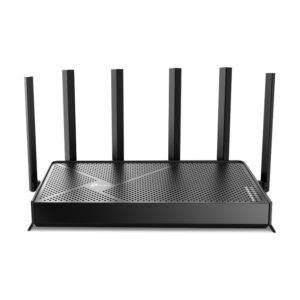
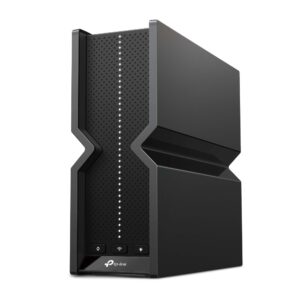
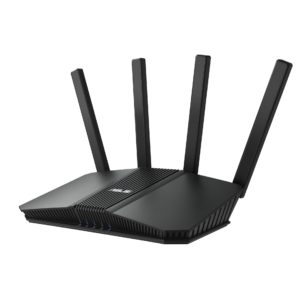
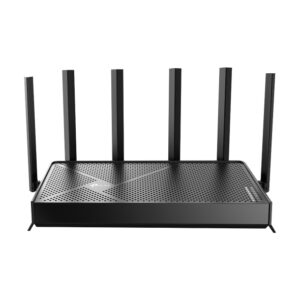
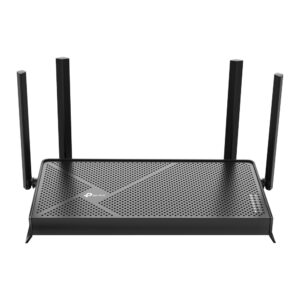
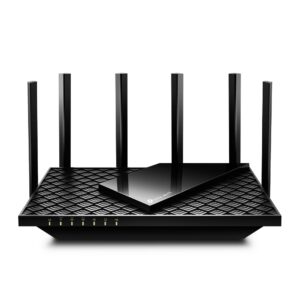
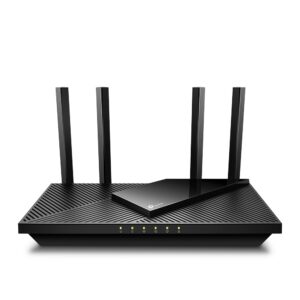
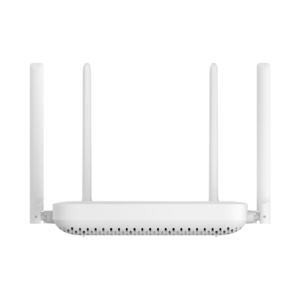
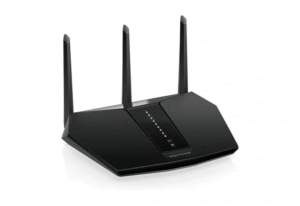
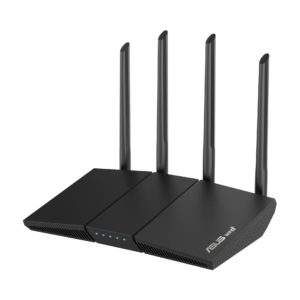
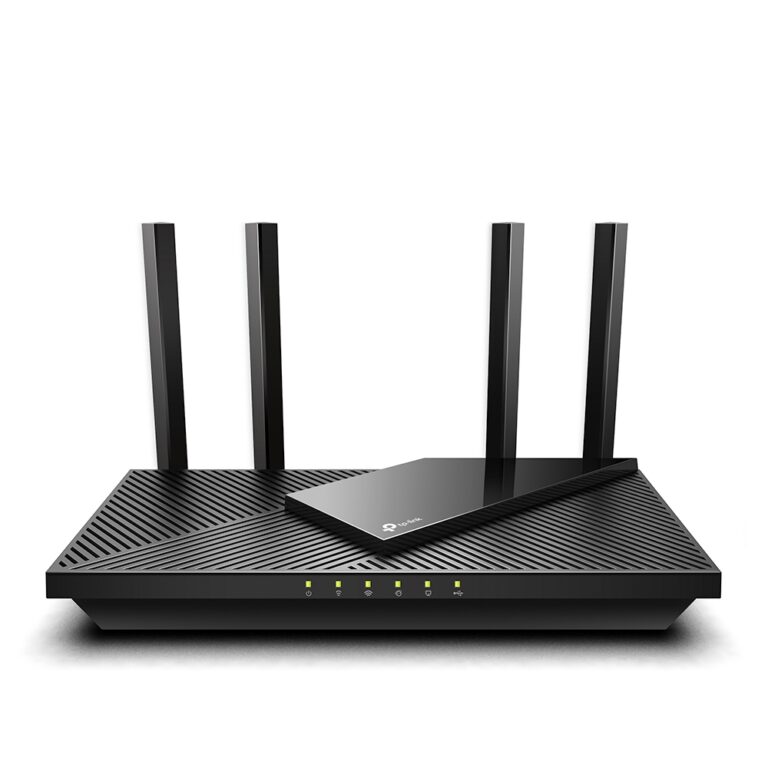
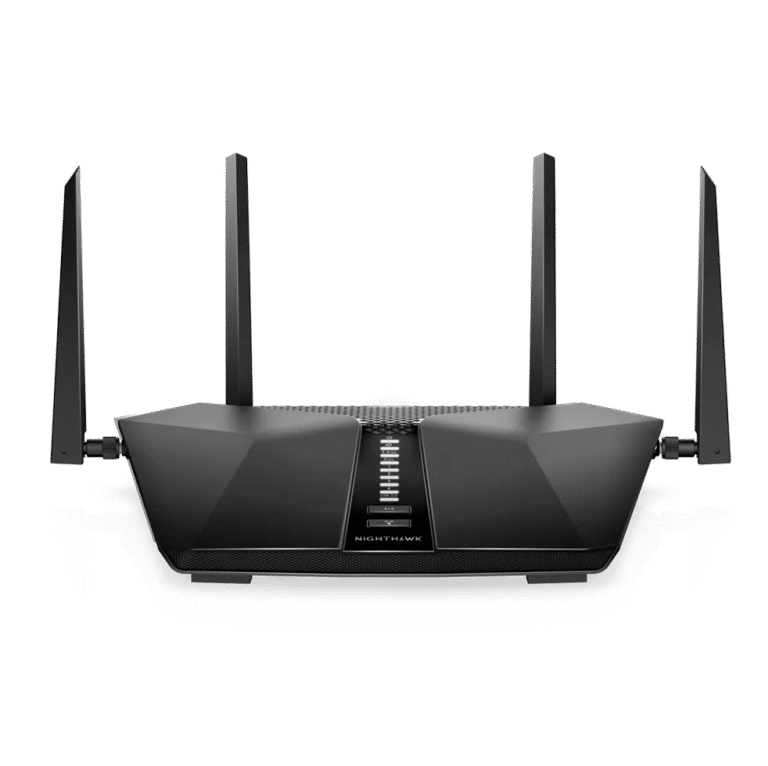
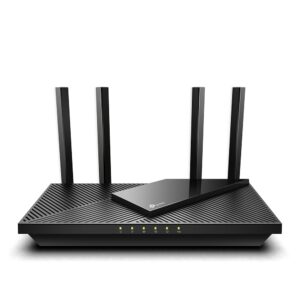
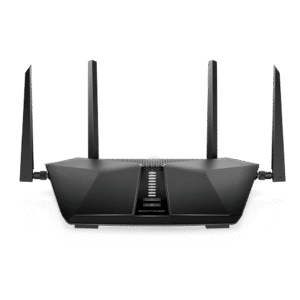
TP-Link Archer AX55 vs NETGEAR Nighthawk RAX50
Two dual-band Wi-Fi 6 routers with the same hard limit - a single gigabit WAN port - so neither is the answer if your broadband has moved past a gigabit. Below that line they split on radios and on what the software costs.
The RAX50 has the stronger 5 GHz side: four streams on 160 MHz channels for a 5,400 Mbps rating against the AX55's 3,000, driven by a 1.5 GHz triple-core. If the house is full of Wi-Fi 6 laptops and phones that can use 160 MHz channels, it will feed them faster than the TP-Link, and faster than plenty of cheap dual-band Wi-Fi 7 routers. NETGEAR rates it for about 2,500 square feet and 25 devices.
The AX55's argument is composure and cost of ownership. It carries the same 512 MB of RAM in a cheaper box, which is why it stays steady with thirty-odd devices attached, and its extras do not expire: an OpenVPN server, QoS by device and HomeShield's basic parental controls, where NETGEAR's Armor and its premium parental controls are annual subscriptions. It also speaks OneMesh and EasyMesh, so an extender can join it later without replacing anything.
Both give you four gigabit LAN ports, a USB port, WPA3, OFDMA and beamforming, and both are dual-band with no 6 GHz radio.
Pick the RAX50 if your devices are modern enough to use that 5 GHz radio and you will not be paying the subscriptions. Pick the AX55 if you want the lower price, the fuller free feature set and a mesh path later. If your line is faster than a gigabit, pick neither - the WAN port on both caps what they can be fed.
Editor’s note
Neither router is new, and that shapes the judgement more than the table does. The RAX50 still has the stronger radio of the two, but the advantage exists only for clients that can use wide channels; a house of older phones, smart speakers and previous-generation laptops will never see it. Its quiet compromise is expansion. The specification lists no mesh support, so a bigger house means replacing it rather than adding to it, and Armor and the premium parental controls are paid for every year.
The AX55's free feature set is narrower than it first looks. HomeShield's basics cost nothing, but the more useful parental controls and the security reporting sit behind TP-Link's own subscription, so the gap with NETGEAR is one of degree rather than kind. What it does well is modest and dependable: memory for a busy household, and a path to mesh.
On a multi-gig plan, pass on both. TP-Link's Archer AX55 Pro is essentially the same router with faster ports, and a dual-band model on the newer standard with a multi-gig WAN, such as the Archer BE230, is the other way out.
Head-to-head points: every spec is scaled between these products only, so a product can score high here and modestly on its own page, where the VS Score measures it against the median of its class.
Where the TP-Link Archer AX55 beats the NETGEAR Nighthawk RAX50
No standout advantages.
Where the NETGEAR Nighthawk RAX50 beats the TP-Link Archer AX55
- A much higher max wireless speed ?5,400 Mbps vs 2,976 Mbps
- More processor cores ?3 vs 2
Key real-world differences
The spec sheet pulls in both directions. These are the gaps big enough to shape the decision — with the actual figures, and what each one means in real-world use.
- Max wireless speedWireless2,976 Mbps vs 5,400 Mbps — 81.5% more for the NETGEAR Nighthawk RAX50
The combined theoretical throughput across all bands.
- Processor coresHardware2 vs 3 — 50% more for the NETGEAR Nighthawk RAX50
More CPU cores keep speeds up with many devices and features enabled.
Which one should you buy?
There is no single answer — it depends on what you will actually use it for. Match your priority to the pick below.
- Best for wireless NETGEAR Nighthawk RAX50 takes the category 100 to 67 — driven by max wireless speed (2,976 Mbps vs 5,400 Mbps).
- Best for hardware NETGEAR Nighthawk RAX50 takes the category 100 to 67 — driven by processor cores (2 vs 3).
- The safe all-rounder NETGEAR Nighthawk RAX50 wins 2 of 4 categories and tops the overall VS Score at 100.
Where each one falls short
TP-Link Archer AX55
- Max wireless speed: 2,976 Mbps vs 5,400 Mbps
- Processor cores: 2 vs 3
- 7 specs are unreported (shown as Unknown) and excluded from its scores.
NETGEAR Nighthawk RAX50
- No major spec weaknesses in this matchup — the gaps that exist are small.
- 5 specs are unreported (shown as Unknown) and excluded from its scores.
What matters to you?
Drag the sliders to weight each category and re-rank the products to suit your priorities.
Score breakdown
Wireless
Ports & wired
Hardware
Features & security
Design
Specs last verified October 11, 2026TP-Link Archer AX55: 21 of 28 specs verified (75%)NETGEAR Nighthawk RAX50: 23 of 28 specs verified (82%)Unverified specs show as Unknown — never estimated, never scored
What reviewers say
The bottom line
With the internet line capping both routers at the same point, the devices already in the house decide this. If the laptops and phones that matter are recent and support wide channels, the RAX50 moves data between them and the router faster, and on a gigabit-or-slower plan that is the one place its extra radio shows. If the device list is older, mixed or long, the AX55 fits better: it costs less, carries more free software, and can grow into a mesh when a far room goes weak.
The trade-off is raw radio against running costs and room to expand, and for most households it favours the TP-Link.
Anyone planning to add coverage later should leave the RAX50 alone. The AX55 is a poor match only for a small flat with a couple of new laptops that want every bit of wireless speed.
Latest comparisons